
 SITE CAPTURE
Based on information published on the service's website. Selection and review policy
WHAT IT DOES
What does it do?
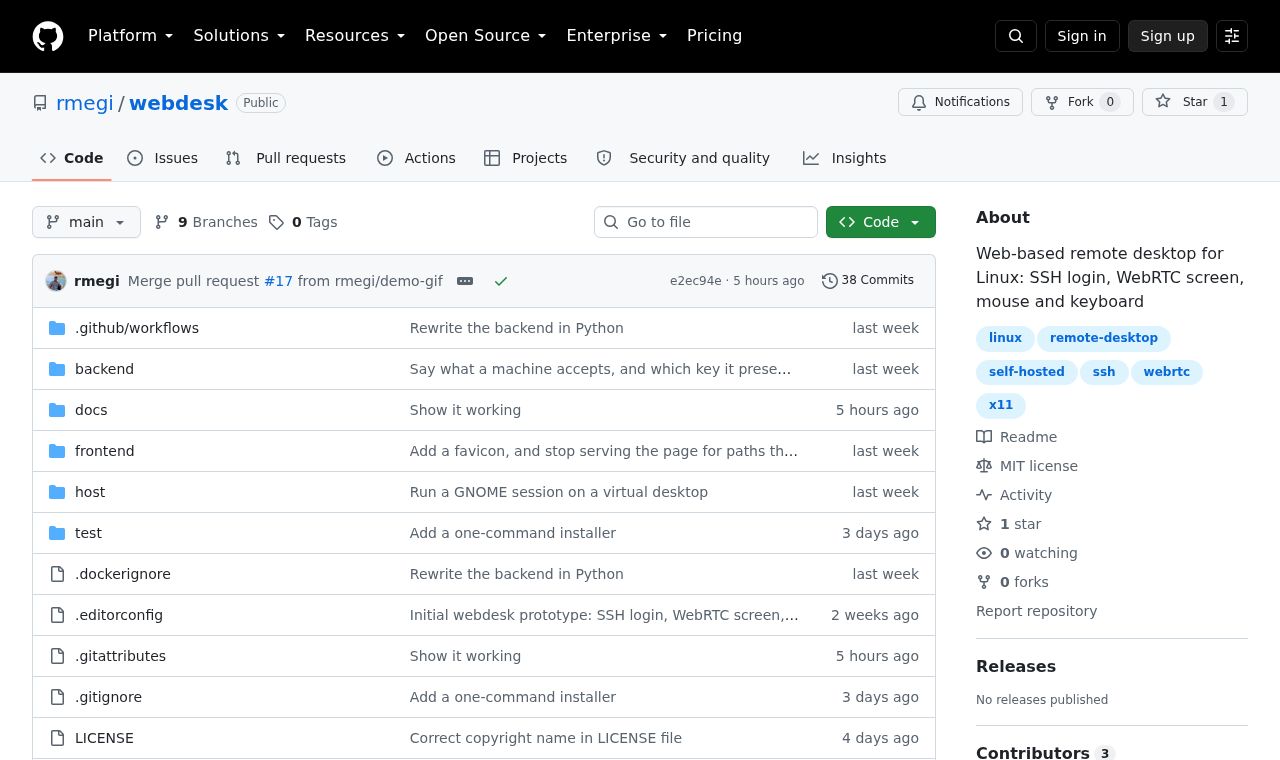
When a user enters a machine address and SSH credentials, the Linux desktop appears in the browser. A small program placed on the remote machine captures the X display, encodes it as H.264, and sends it over WebRTC. There is no need to configure a separate VNC server on the remote machine.
KEY FEATURES
Key features
- Connect to a remote Linux desktop with SSH login
- Use the mouse, keyboard, and clipboard from the browser
- Encode the remote display as H.264 and transmit it over WebRTC
- Connect without installing a VNC server on the target machine