
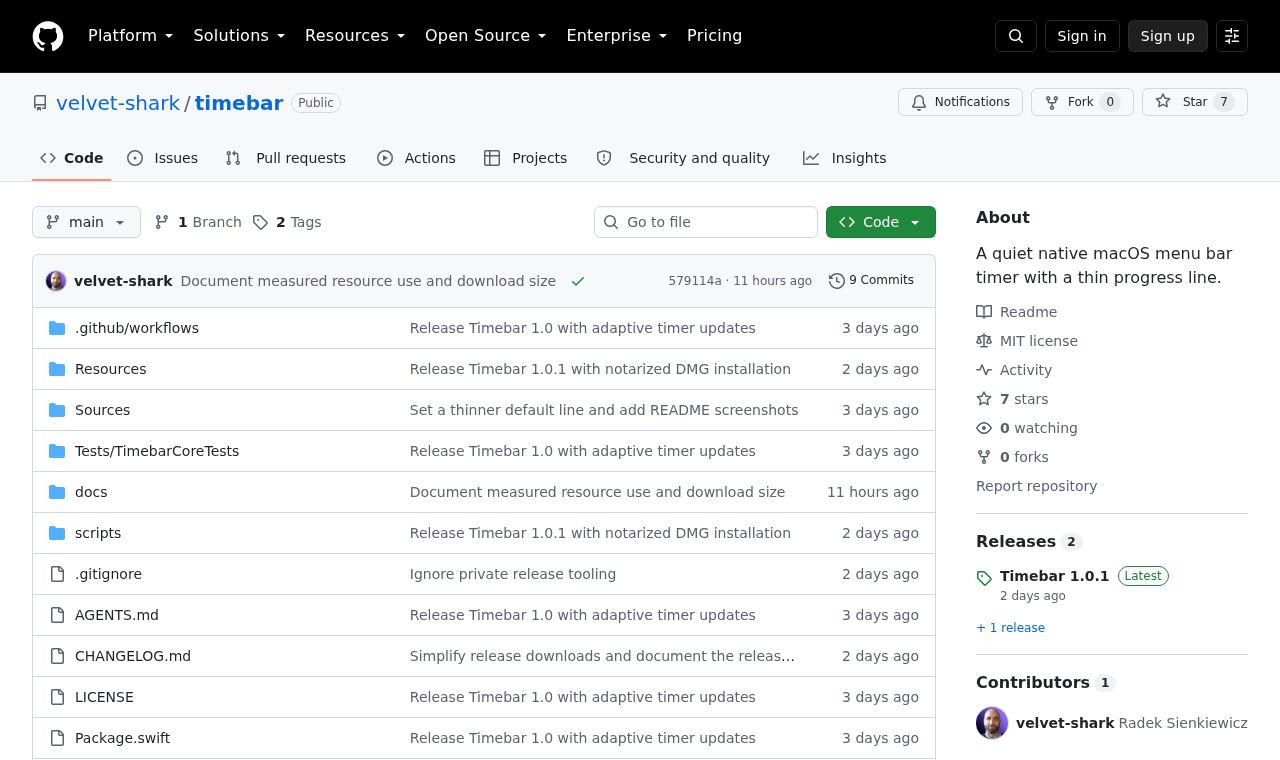
 SITE CAPTURE
Based on information published on the service's website. Selection and review policy
WHAT IT DOES
What does it do?
When a timer starts, Timebar displays a thin line below the menu bar and moves its right edge left as time passes. Users can adjust the line's color, thickness and opacity, and it does not intercept screen clicks or keyboard focus. It stores settings and timer state in macOS preferences without accounts, analytics or network requests.
KEY FEATURES
Key features
- A progress line below the menu bar that shrinks as time runs out
- Customizable line color, thickness and opacity
- A deadline-based timer that avoids accumulated error during sleep or callback delays
- Restoration of running or paused state after restarting the app
- An overlay that does not interfere with clicks or keyboard focus
- Local settings storage without a server or telemetry