
Spotlight-Off
A Mac app that automatically turns off Spotlight indexing when an external drive is connected.
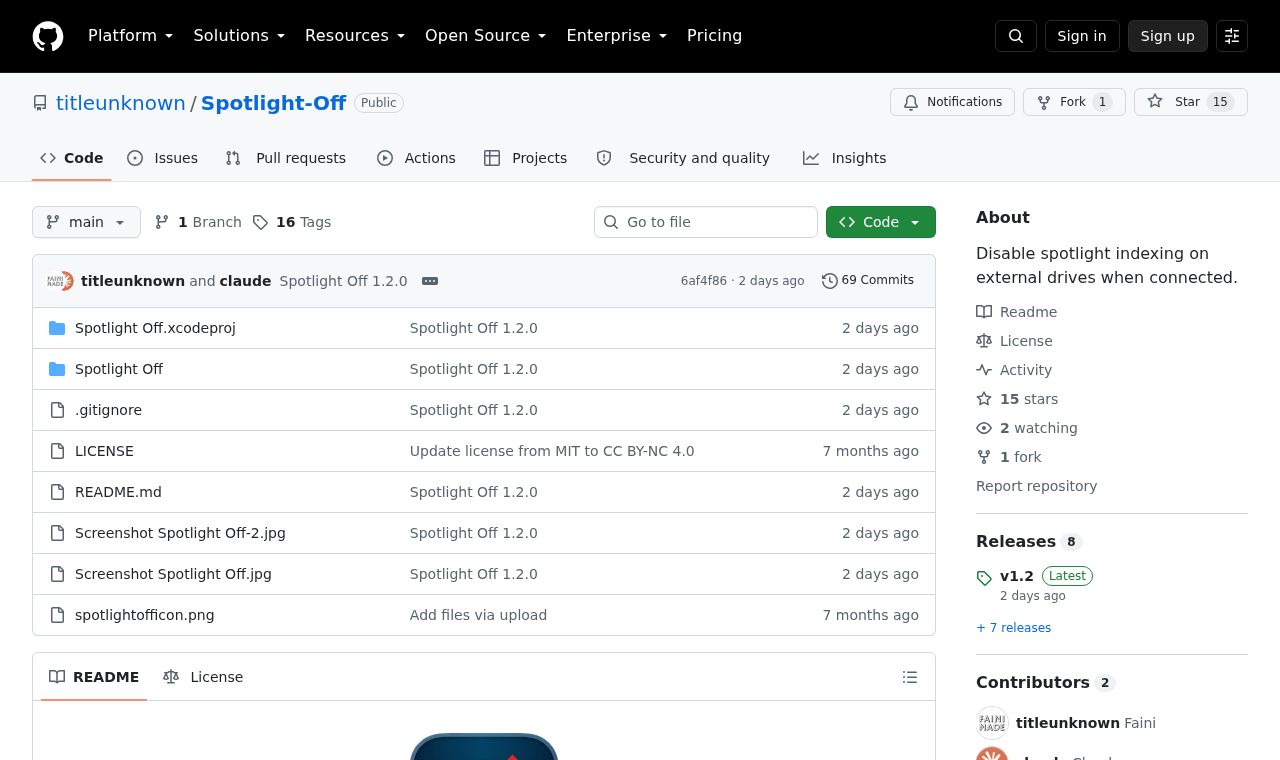 SITE CAPTURE
Based on information published on the service's website. Selection and review policy
WHAT IT DOES
What does it do?
Spotlight Off runs in the menu bar and turns off Spotlight indexing when an external drive is connected. It handles APFS, HFS+, and exFAT volumes, USB card readers, and SD cards, while excluding disk images and Time Machine volumes. Personal and noncommercial use is free; commercial use requires a separate license.
KEY FEATURES
Key features
- Automatically disable Spotlight indexing when an external drive is connected
- Handle APFS, HFS+, and exFAT volumes
- Automatically exclude disk images and Time Machine volumes
- View settings and processing history from the menu bar