
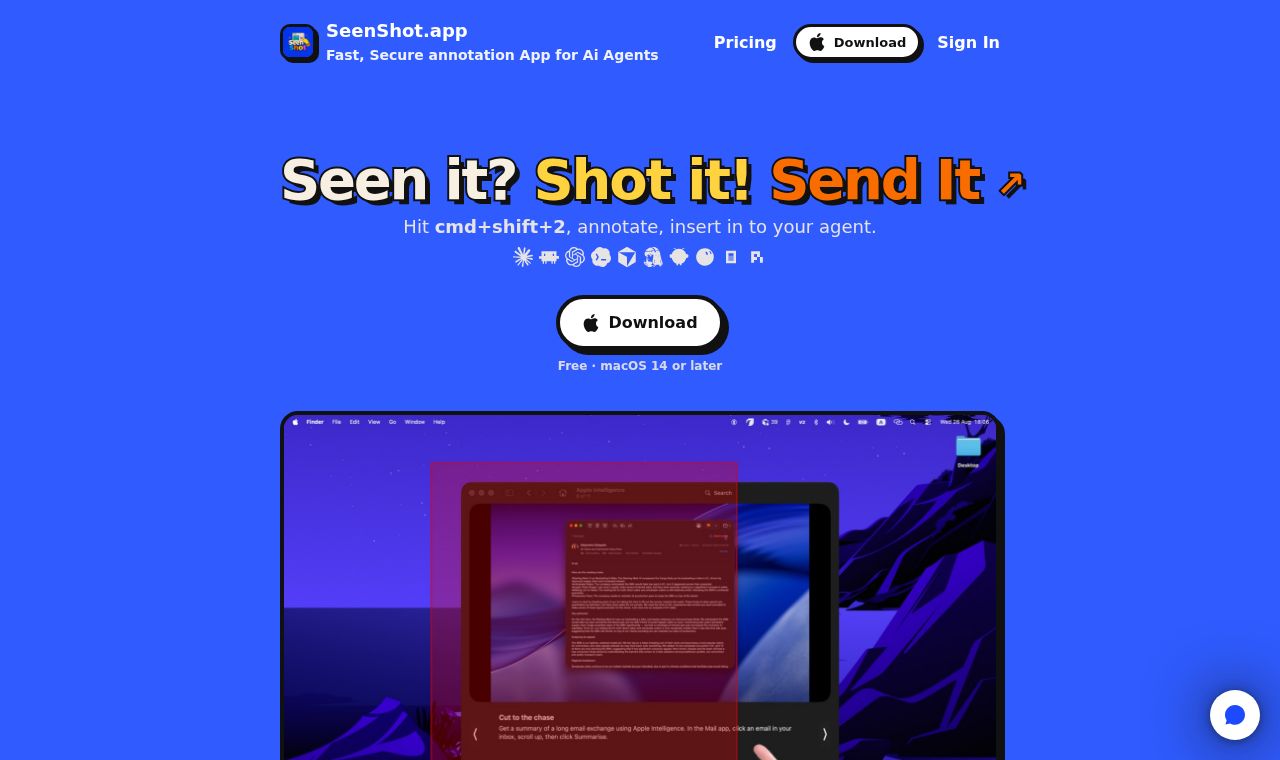
 SITE CAPTURE
Based on information published on the service's website. Selection and review policy
WHAT IT DOES
What does it do?
SeenShot captures the screen with a keyboard shortcut, then lets users add highlights, arrows, lines, and text. It blurs sensitive information such as phone numbers, faces, passwords, and API keys, and lets users share the result by link or save it locally. It also supports adding a webcam selfie and marking the order of tasks.
KEY FEATURES
Key features
- Capture a region or the full screen and add annotations
- Automatically blur sensitive information such as phone numbers, faces, passwords, and API keys
- Add a webcam selfie to a capture in one step
- Mark areas to change and the order of tasks on screen
- Share screenshots by link or save them locally
- Use sensitive-information protection features offline