
Open Portal
A desktop tool for selecting any screen area to get answers or finished visual assets
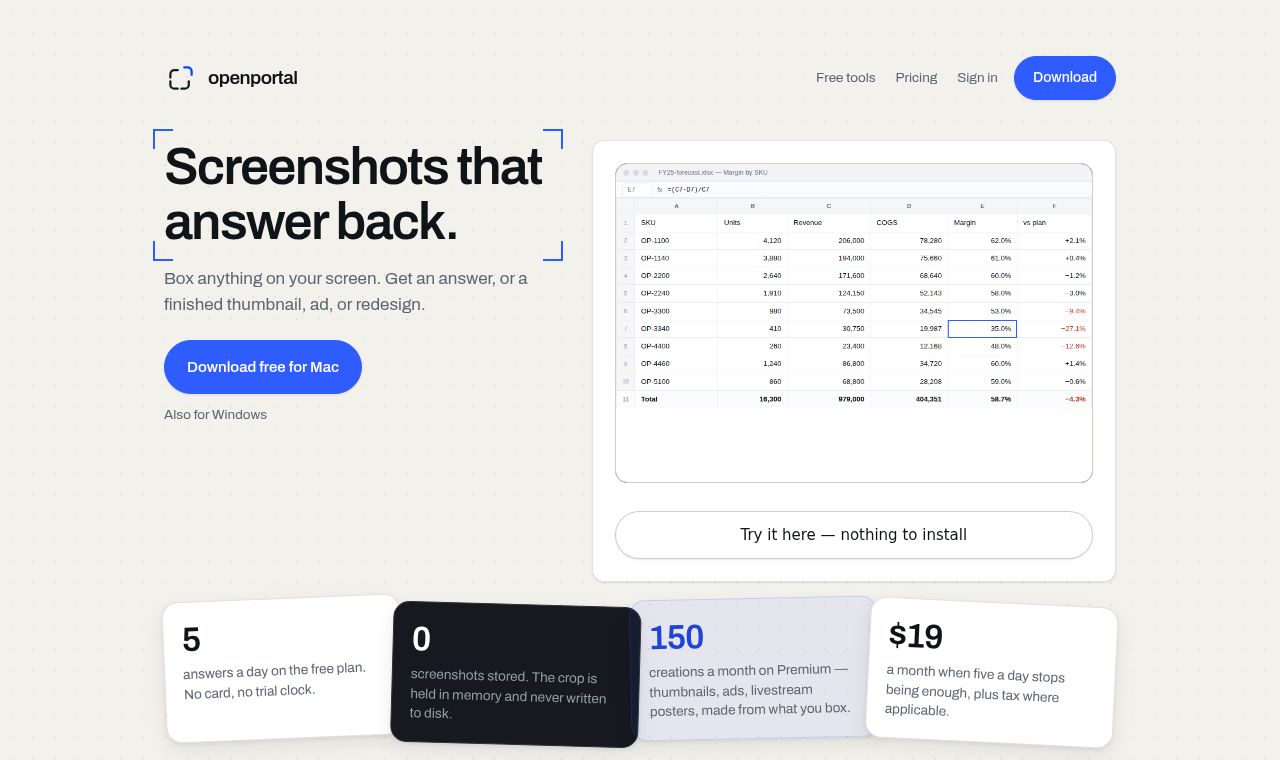 SITE CAPTURE
Based on information published on the service's website. Selection and review policy
WHAT IT DOES
What does it do?
Open Portal freezes the screen with a shortcut, lets users select an area, and supports follow-up questions about it. It can turn a selected video frame, product photo, or menu into a thumbnail, ad, or redesign. It supports macOS and Windows and is free for up to 5 uses per day.
KEY FEATURES
Key features
- Freeze the screen and select an area with a shortcut
- Ask follow-up questions that retain the previous screen and answers
- Turn a video frame into a 2K YouTube thumbnail
- Turn a product photo into an ad image
- Redesign an on-screen menu while retaining its items and prices
- See answers directly over the selected screen area