
 SITE CAPTURE
Based on information published on the service's website. Selection and review policy
WHAT IT DOES
What does it do?
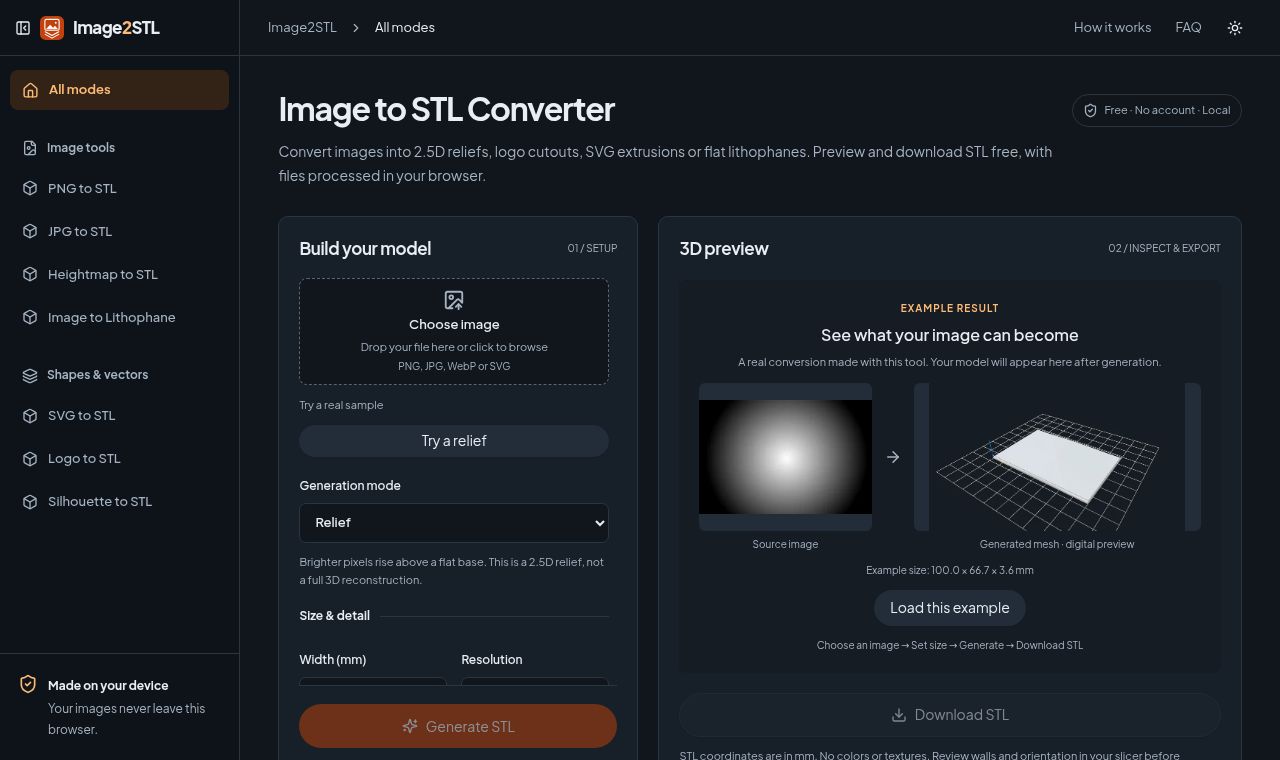
Select a PNG, JPG, WebP, or SVG file, choose one of the four conversion methods, and set the output width. Rotate the generated mesh to inspect it, then download the STL file. Personal files are processed in the browser, and users are advised to check dimensions and thin areas in a slicer before printing.
KEY FEATURES
Key features
- PNG, JPG, WebP, and SVG input
- Relief, outline, SVG extrusion, and lithophane conversion
- Output width settings in millimeters
- Rotatable mesh preview and STL download
- In-browser processing of personal files