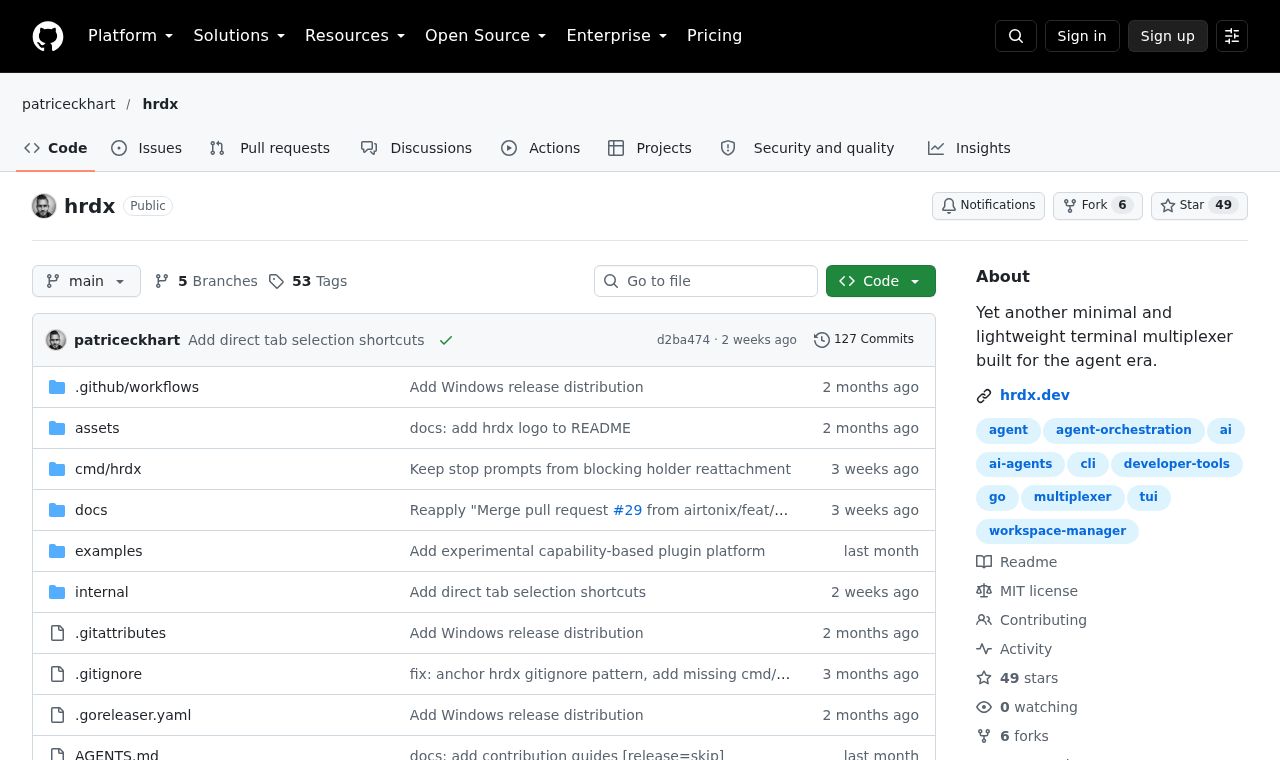
hrdx
A lightweight multiplexer for managing AI agents and shells across projects in workspace-based terminals
What does it do?
hrdx organizes projects as workspaces in a sidebar, with tabs and terminal panels for each workspace. Codex CLI, Claude Code, pi, zot, and ordinary shells can run side by side. Each panel is a real PTY, so it can connect to remote hosts, Docker containers, and Kubernetes workloads. Users can also quit and relaunch the app to reconnect to background sessions.
Key features
- Project workspaces with tabs and real terminal panels
- Parallel execution of multiple AI agents and ordinary shells
- Agent activity status in the sidebar
- Background sessions that persist after quitting and support reconnection
- PTY panels that can connect to remote hosts and containers
- Workspace navigation through the sidebar and key settings
Why did it stand out?
Project workspaces and agent status indicators make it easier to switch among AI tasks. Each panel remains a real PTY, allowing remote hosts and containers to be handled in the same way.