blog
A setup guide to renewing an HP printer’s Let's Encrypt certificate with a Proxmox container.
 SITE CAPTURE
Based on information published on the service's website. Selection and review policy
WHAT IT DOES
What does it do?
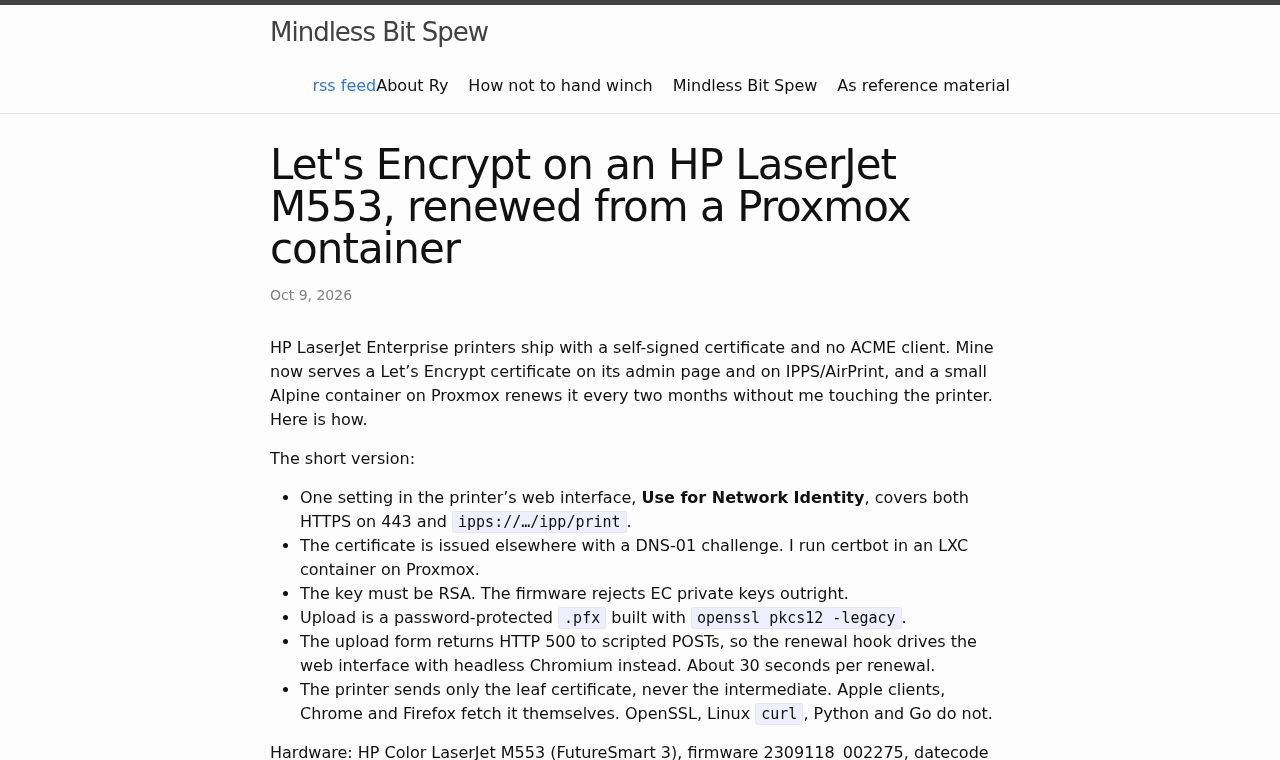
The article covers issuing a certificate with Certbot’s DNS-01 validation and importing a password-protected legacy-format .pfx file containing an RSA key into the printer. The installed certificate is used for the management page and IPPS/AirPrint. It also describes automating the printer’s web interface during renewal and discusses compatibility issues.
KEY FEATURES
Key features
- Issue and renew certificates with Certbot in a Proxmox LXC container
- Issue a certificate for an internal hostname using DNS-01 validation
- Install a password-protected .pfx certificate containing an RSA key on the printer
- Apply the certificate to the management page and IPPS through the network ID certificate settings
- Automate web interface uploads during renewal with headless Chromium