AudioEditorKit
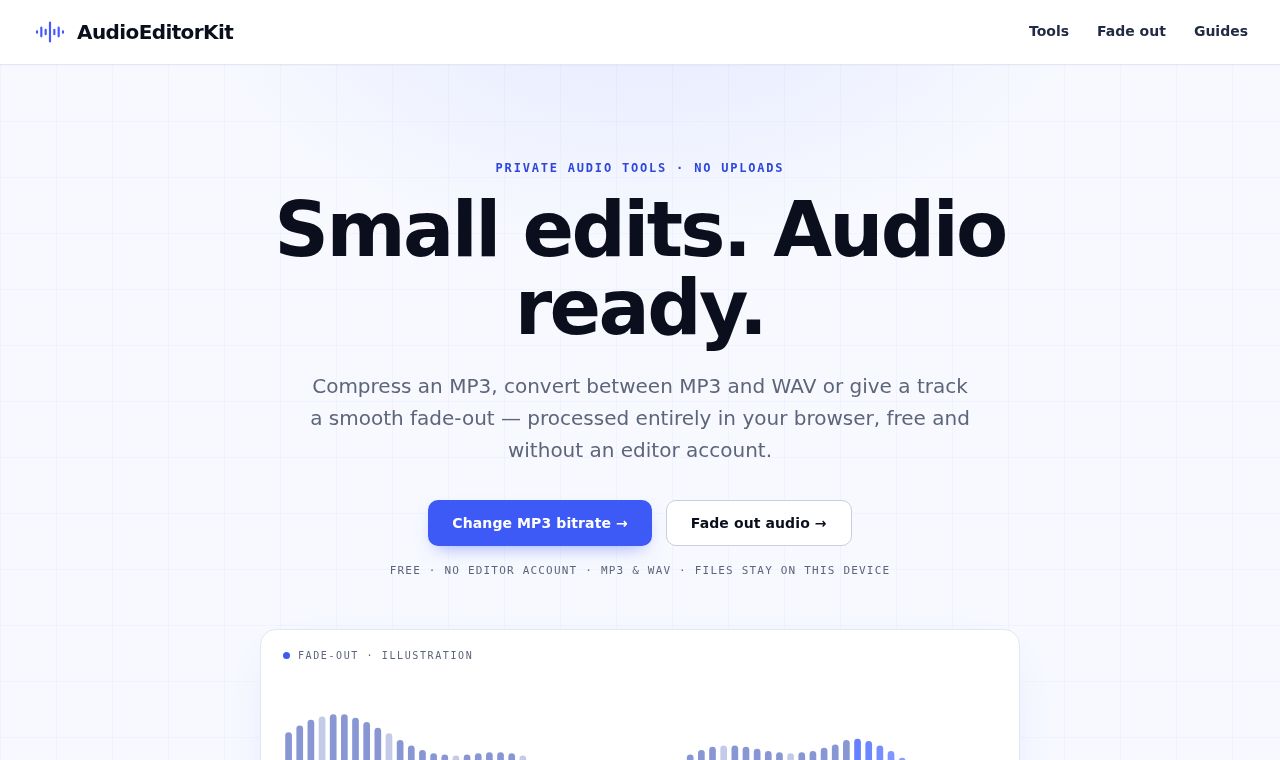
A free tool to convert and edit audio in your browser without uploading files
 SITE CAPTURE
Based on information published on the service's website. Selection and review policy
WHAT IT DOES
What does it do?
It supports changing MP3 bitrates and converting between MP3, WAV, and M4A formats. Users can add fades to the beginning or end of audio, trim sections, merge files, and adjust volume, speed, and pitch. Processing takes place on the device, and users can preview the original and edited audio before downloading.
KEY FEATURES
Key features
- Change MP3 bitrates and compare file sizes
- Convert between MP3, WAV, and M4A formats
- Add fades, trim sections, and merge files
- Adjust volume, speed, and pitch
- Preview the original and edited audio