 01
01Clear problem
samesame
While shopping, you can find and compare similar products from other stores. The results appear in a sidebar on the original page, giving you a clear way to compare them.
Explore service →MADE TO GROW · New indie services from Korea and beyond
Discover new Korean services, AI tools and open-source developer tools you can try today.
EDITOR'S FIELD NOTES
This week, we look at services with different uses, from comparing products while shopping and editing photos to simulating robots and exploring developer tools.
01While shopping, you can find and compare similar products from other stores. The results appear in a sidebar on the original page, giving you a clear way to compare them.
Explore service → 02
02You can adjust the background blur of a photo in your browser and compare it before and after editing. You can then download the result as a still image.
Explore service → 03
03You can test robotic arm movements on the web and recalculate trajectories based on collision avoidance settings. It also shows how to import and run a demo project.
Explore service →
SIGNAL FINDER
Browse by category.
Filter by the tags that interest you.
 SITE CAPTURE
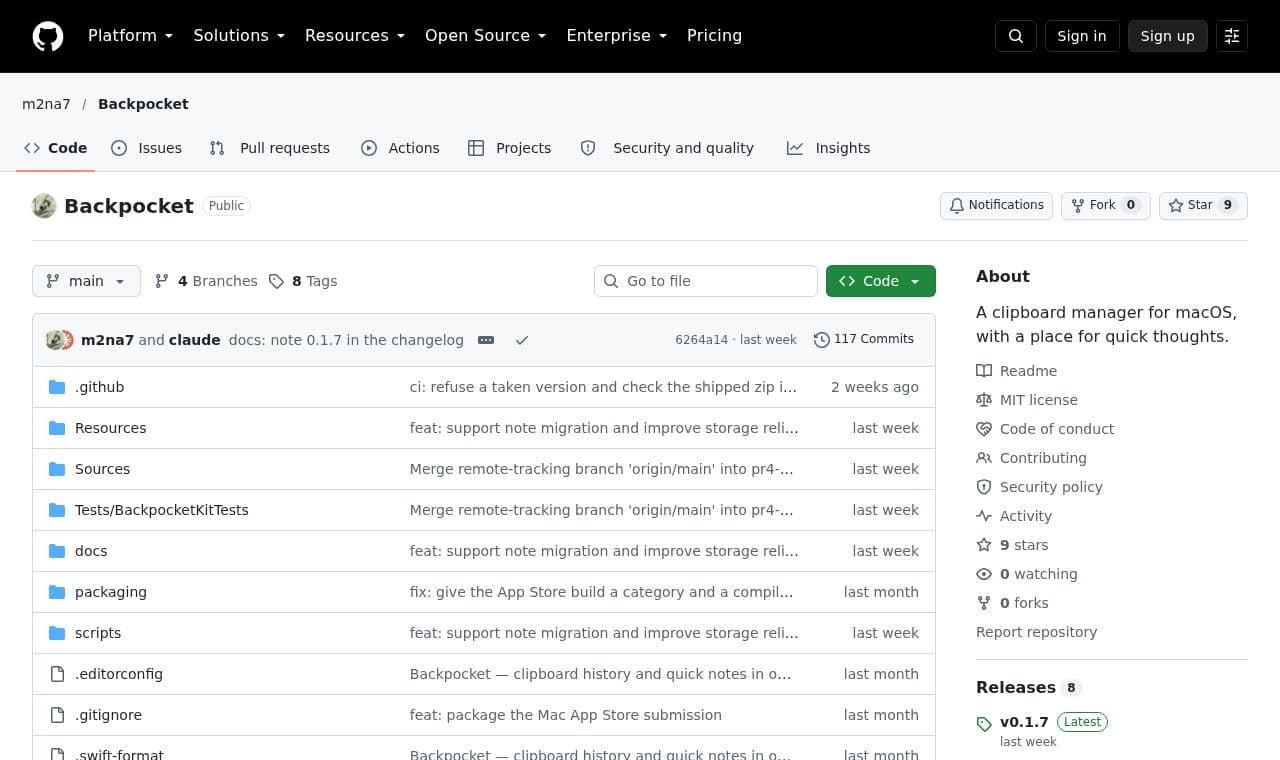
 Backpocket
Mac users who often reuse copied content and passing thoughts can search clips, links, and notes together and paste the items they need.
 SITE CAPTURE
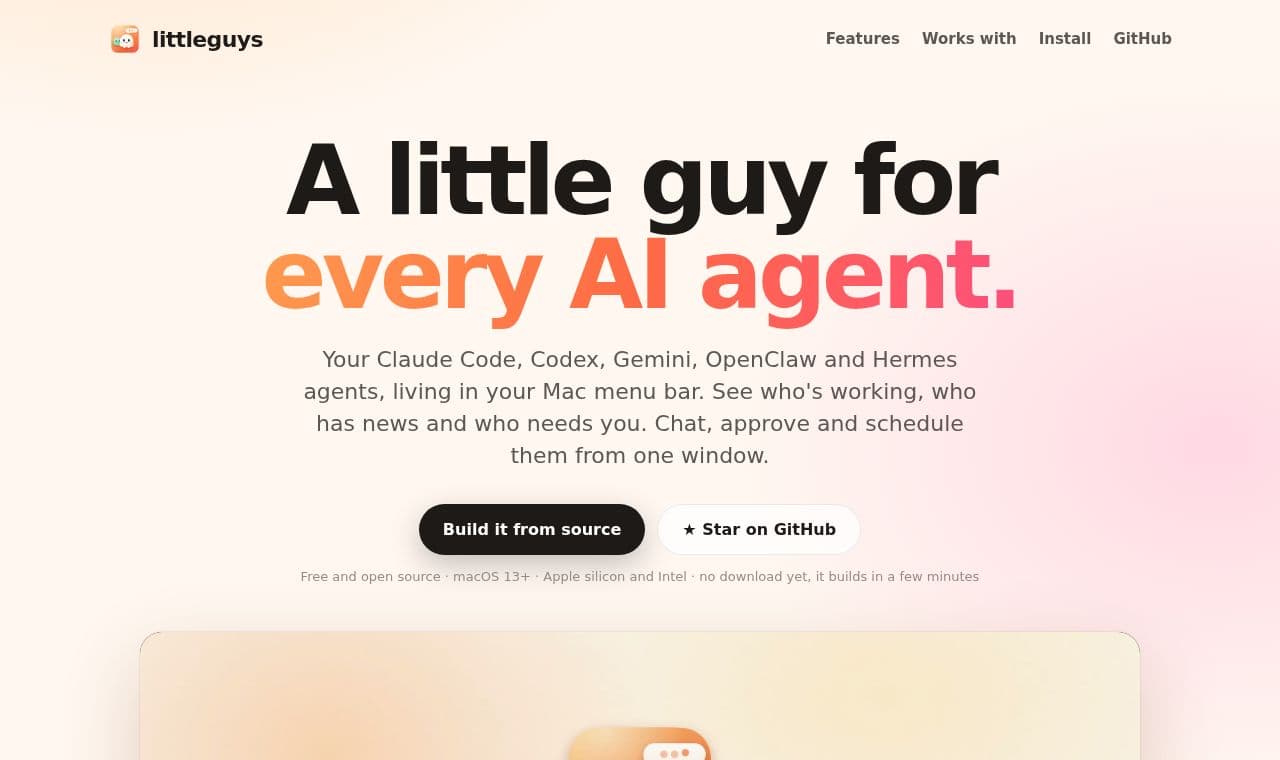
 Littleguys
A menu bar app for people using multiple AI agents, such as Claude Code and Codex, to view each agent's status and messages in one place, approve commands, and manage scheduled tasks.
OPEN TO STARTS
Your service can still be a work in progress. If someone else can open it, you can share it here.
Share the need, curiosity or learning that led you to build it.
Sharing starts a conversation. Feedback and inspiration can help shape your next version.
Open to first-time makers, people building with AI, individuals and teams. We check the link and basic information.
WHY RAIDERS
Someone's first version can inspire another person to start. Share, learn and build your next version.
MADE SOMETHING?
 SITE CAPTURE
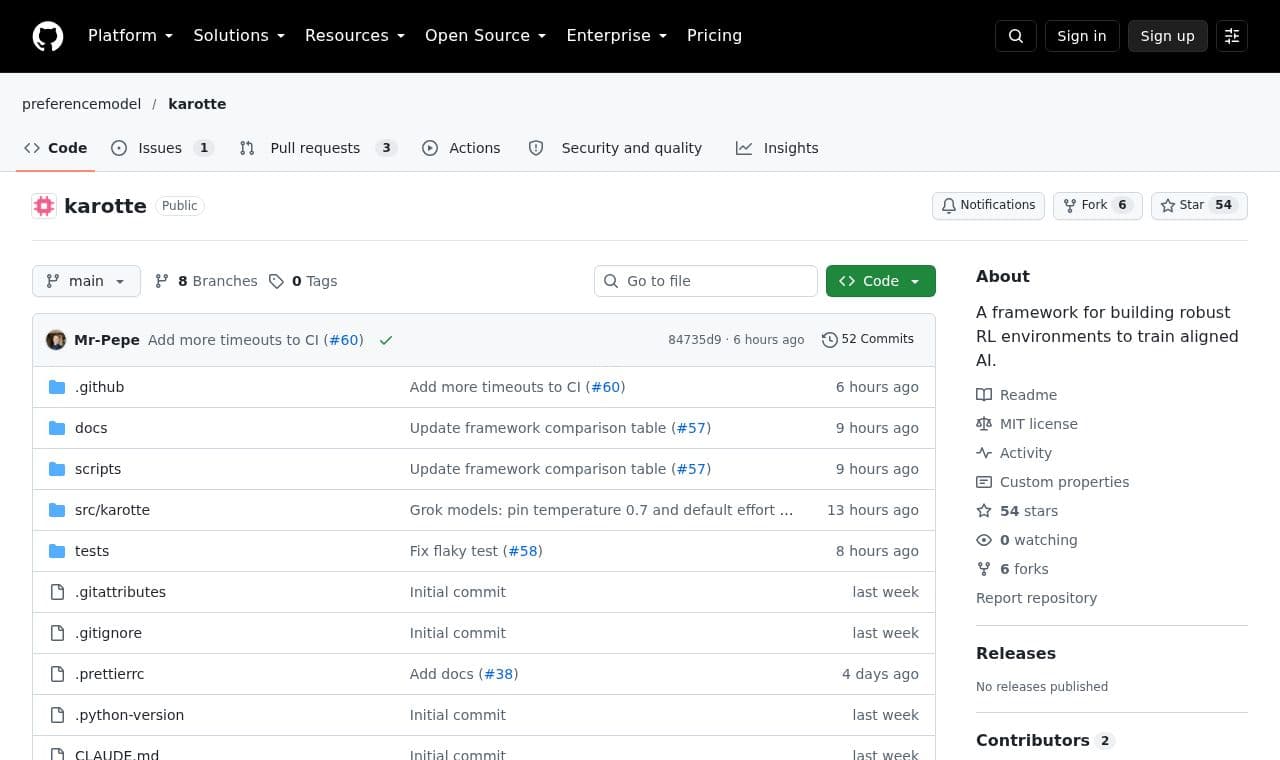
 karotte
Developers creating AI training environments can generate an environment from a base template, run tasks in an isolated execution environment, and inspect conversation logs in a dashboard.
 SITE CAPTURE
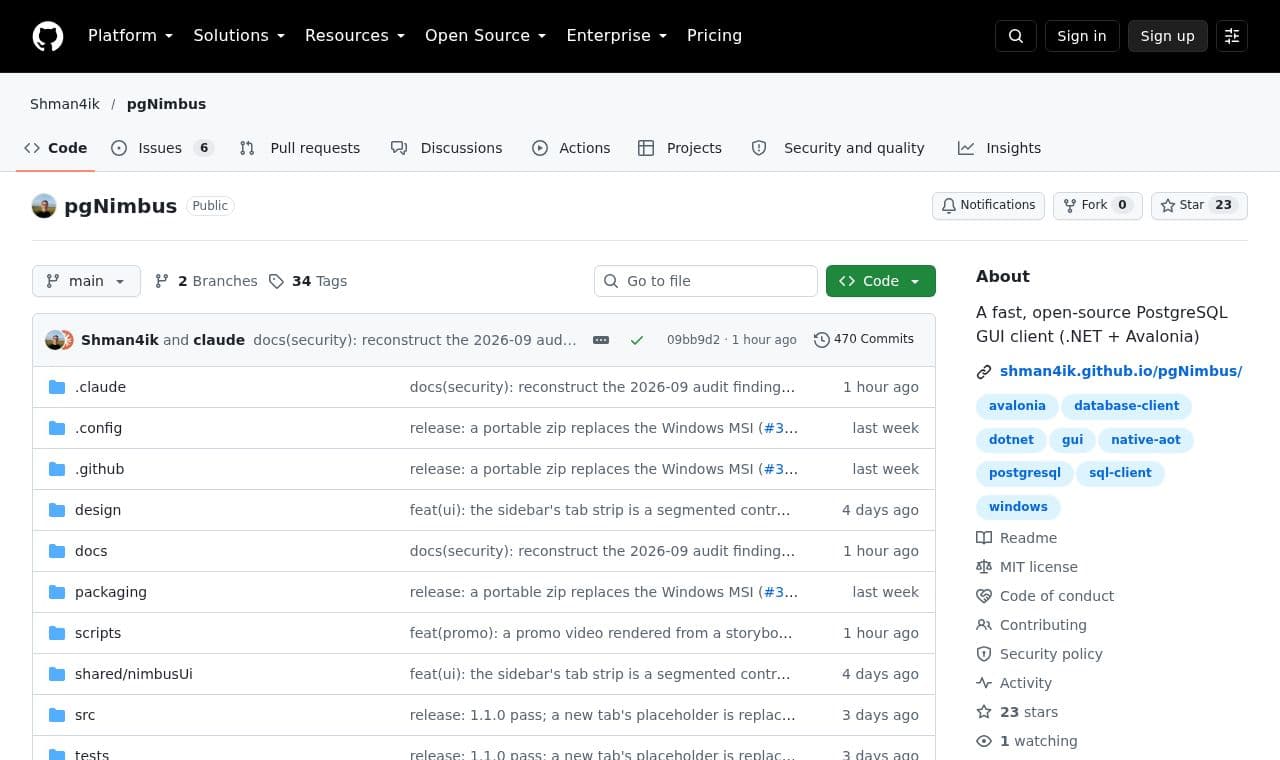
 pgNimbus
A GUI client for developers and DBAs who frequently work with PostgreSQL to write SQL, inspect results, and edit data. It works without a remote account or cloud sync.
 SITE CAPTURE
 SCM
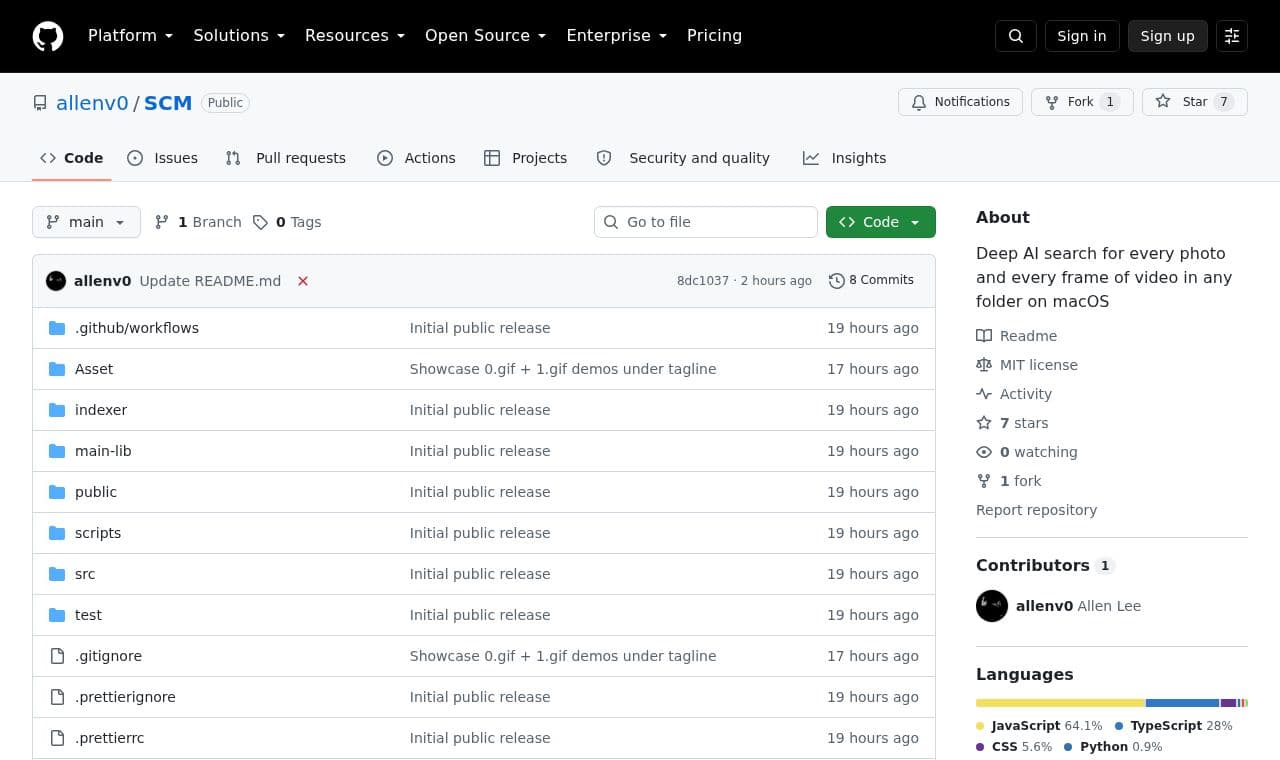
SCMFor Mac users whose photos and videos are scattered across folders, it shows search results using image similarity, OCR text, and spoken dialogue from videos.
 SITE CAPTURE
 soom
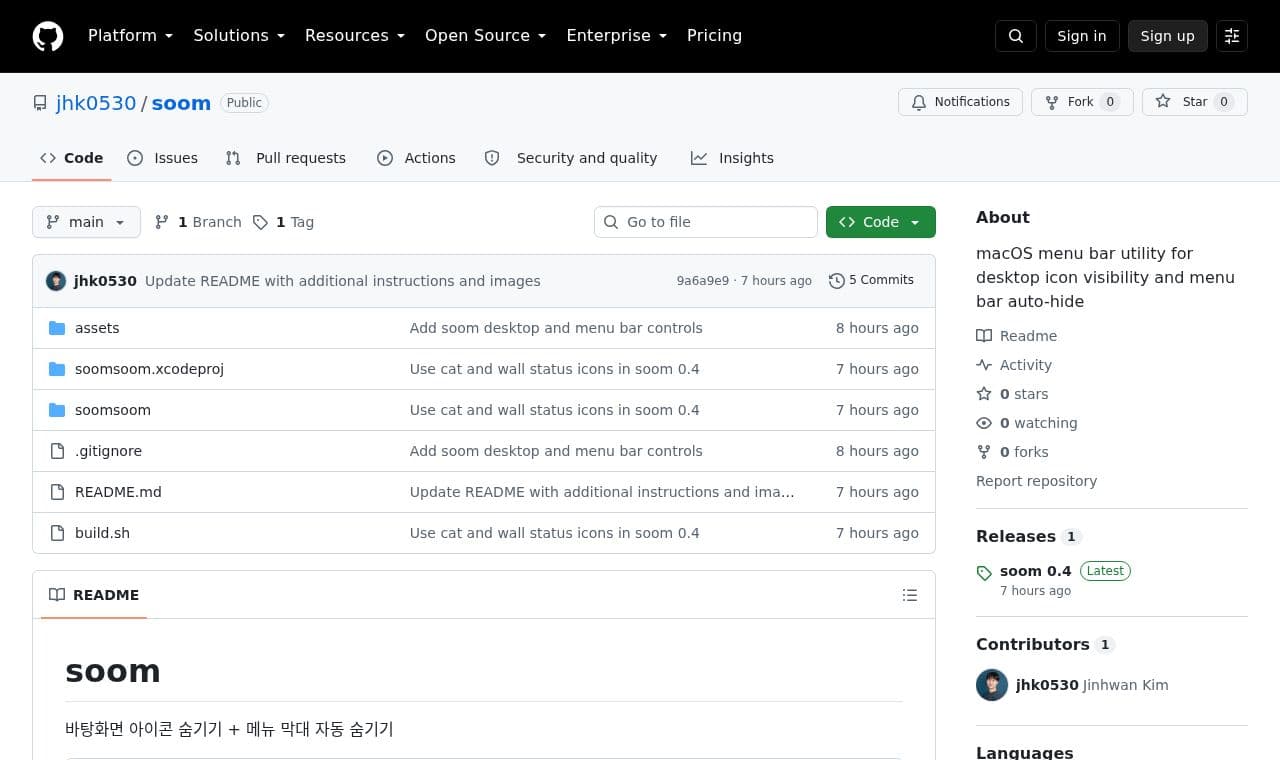
soommacOS users who want a less cluttered workspace can hide desktop icons and configure automatic hiding of the menu bar.
 SITE CAPTURE
 Television
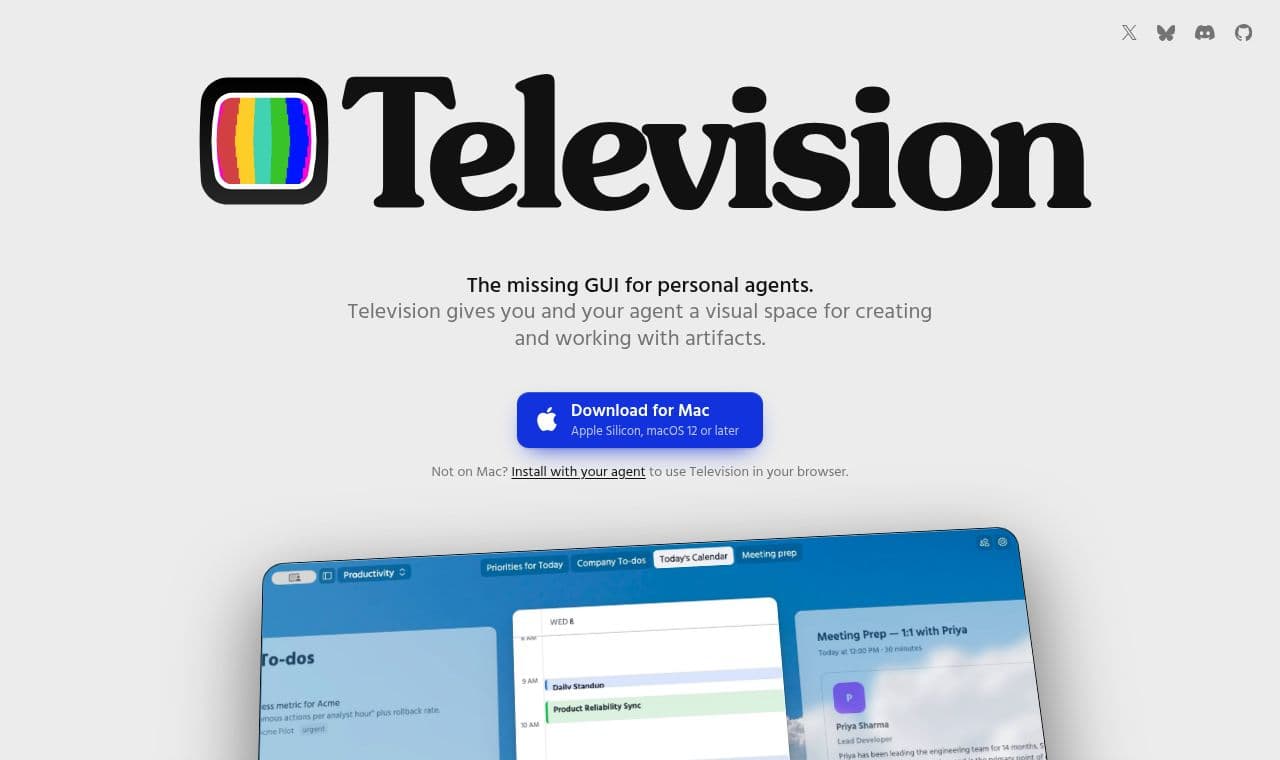
A visual interface for people working with personal AI agents to pin outputs that might get buried in conversations, collect them by channel, and reopen them later.
 SITE CAPTURE
 outis
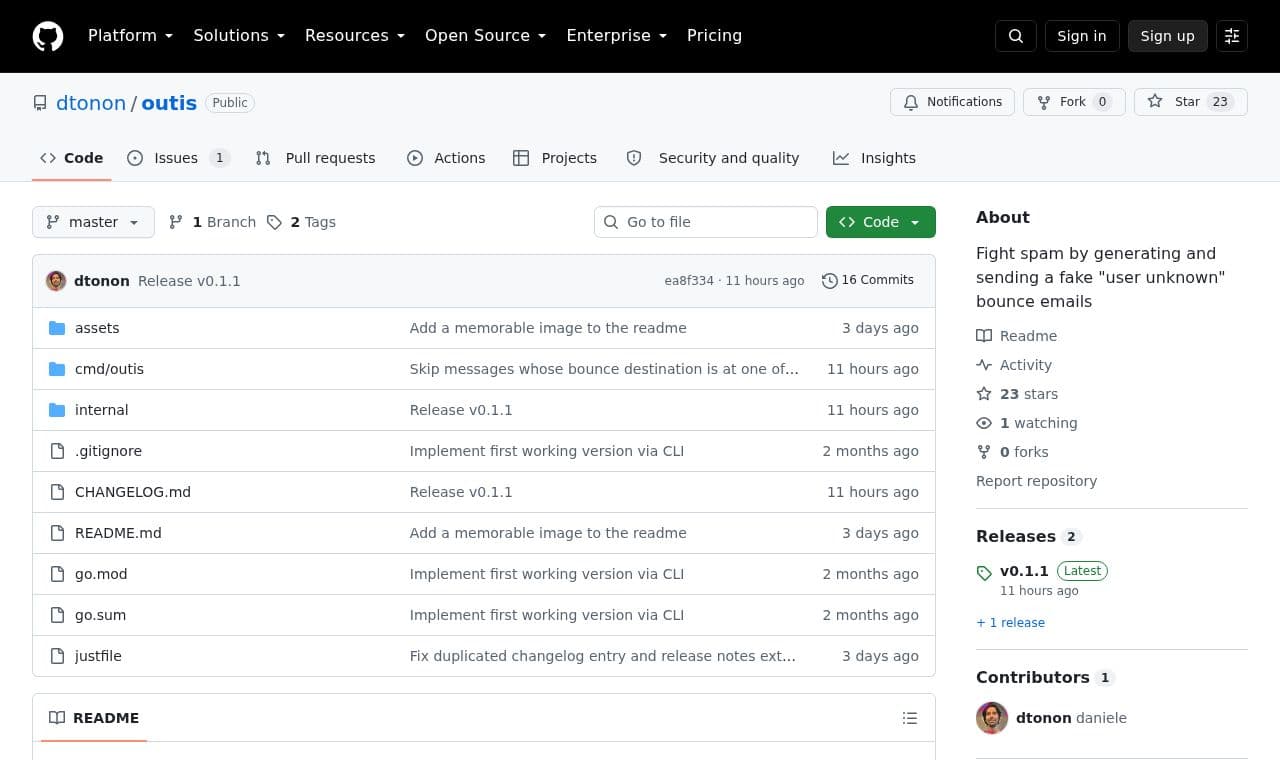
outisHelps users who want to reduce automated email create a 'user unknown' bounce notice from a received message and send it to the sender.
 SITE CAPTURE
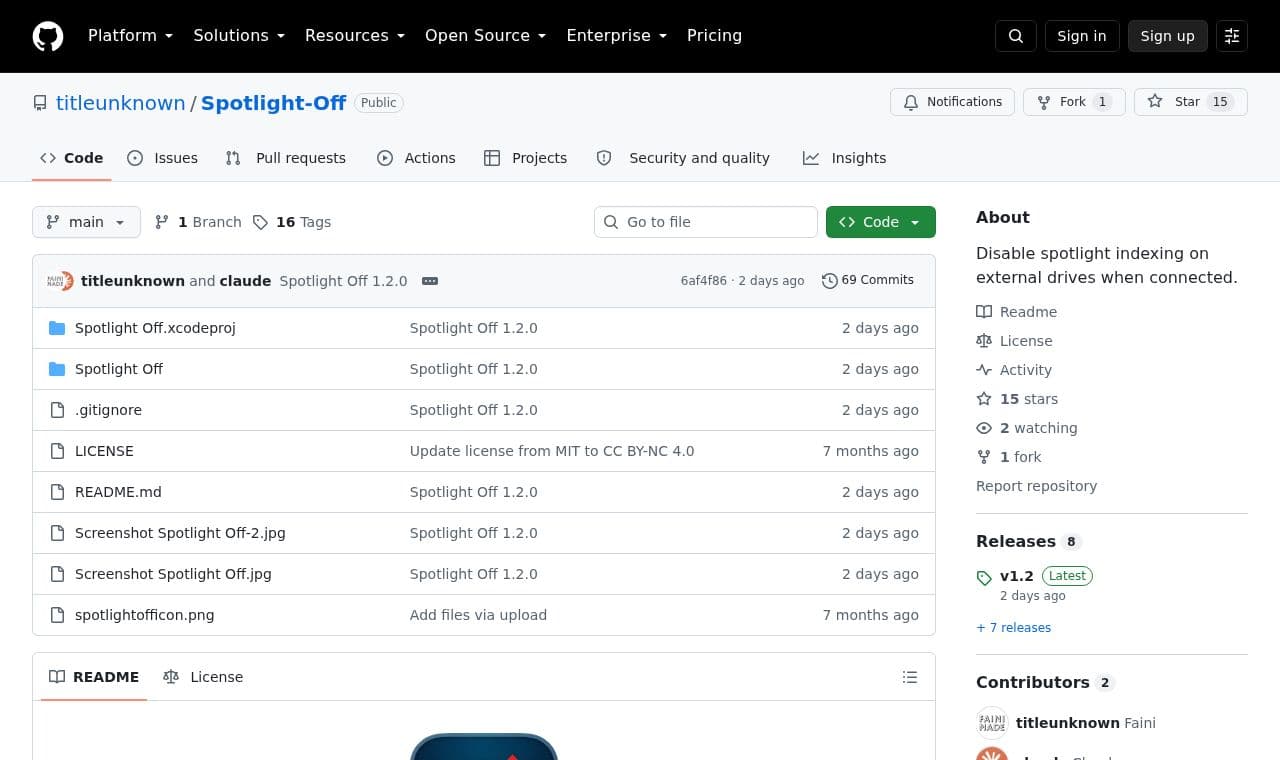
 Spotlight-Off
Automatically disables indexing when an external drive is connected, for Mac users who want to avoid the disk space and input/output usage caused by Spotlight indexing.
 SITE CAPTURE
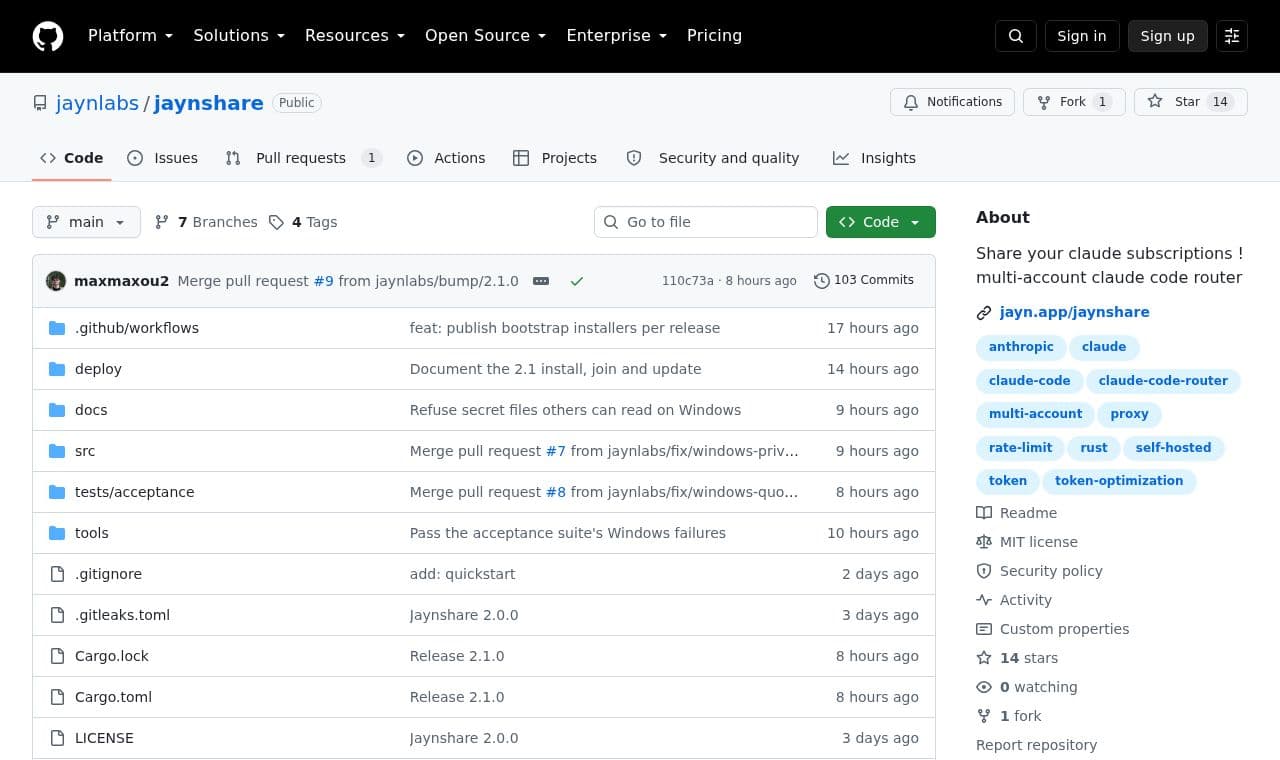
 jaynshare
Lets users who want to connect multiple Claude accounts register them on a server, connect clients, and choose an account for each session.
 SITE CAPTURE
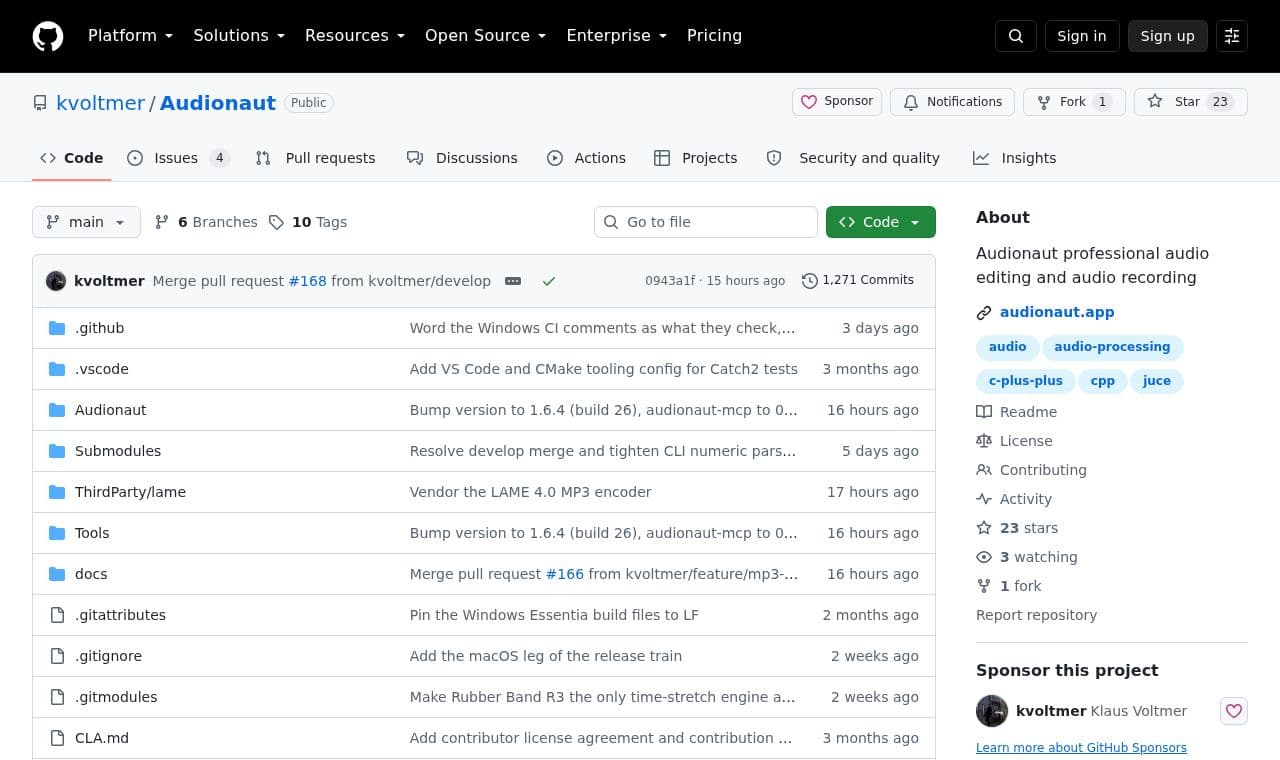
 Audionaut
A free, open-source desktop app for people who edit multiple audio tracks for music and podcasts. It offers per-track playlists and precise trimming, and lets AI agents edit sessions through MCP.
 SITE CAPTURE
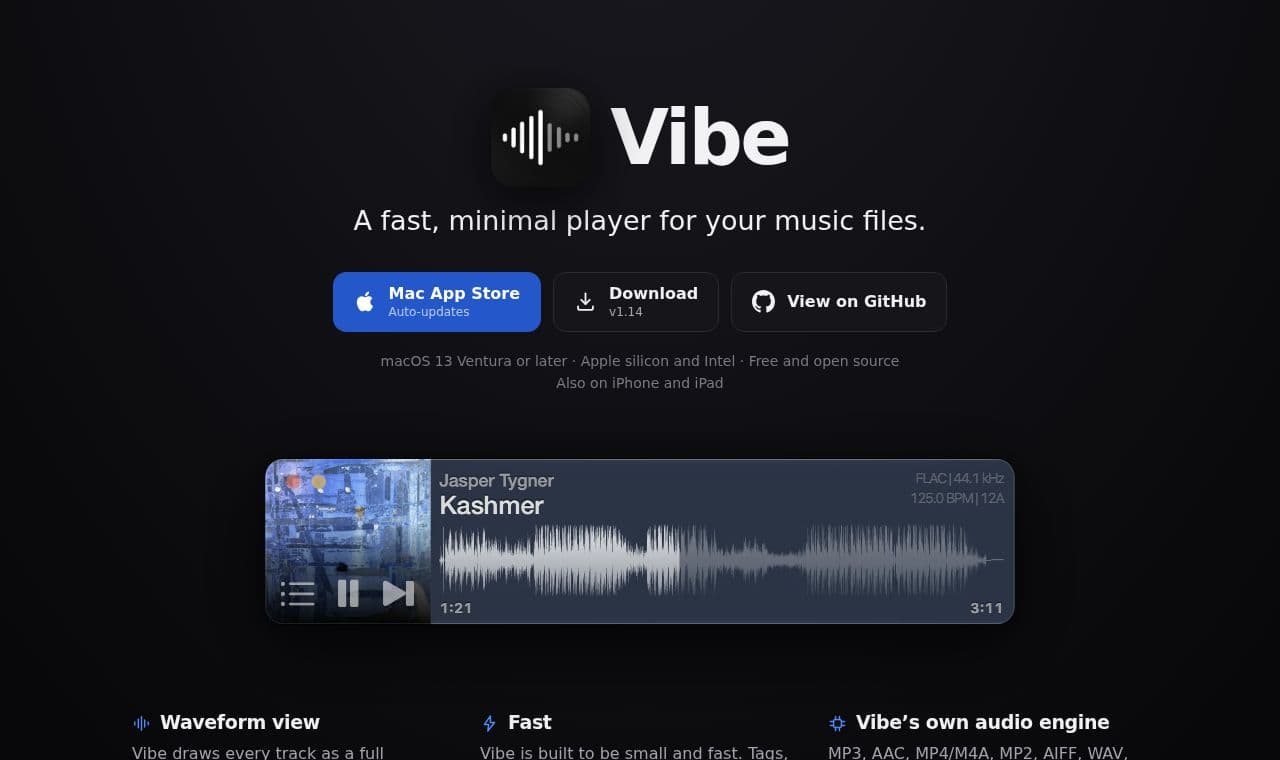
 Vibe
VibeA free, open-source player for users who want to play files or folders directly without importing a music library. Users can choose a playback position on the full-track waveform and use pitch control and BPM-based effects.
 SITE CAPTURE
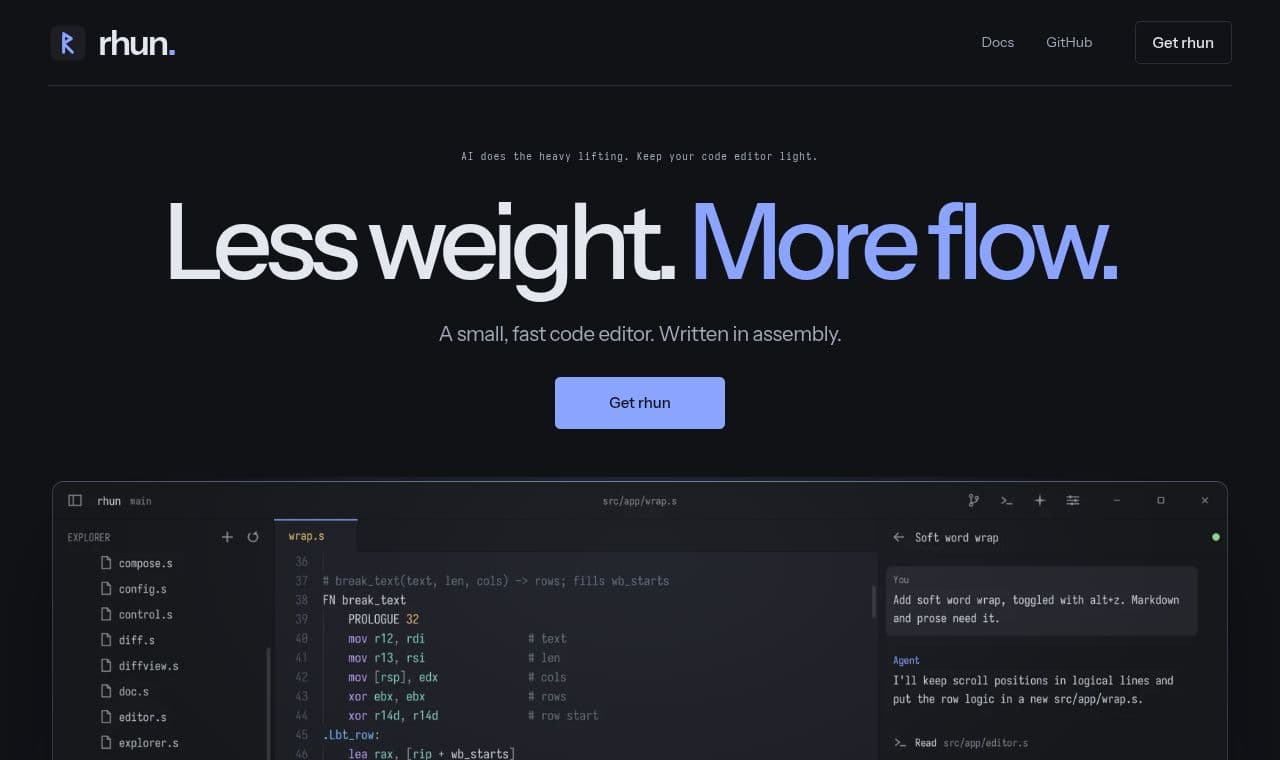
 rhun
rhunFor developers who want a lightweight development environment, it combines file navigation, code search, an integrated terminal, and Git change review in 1 editor.
 SITE CAPTURE
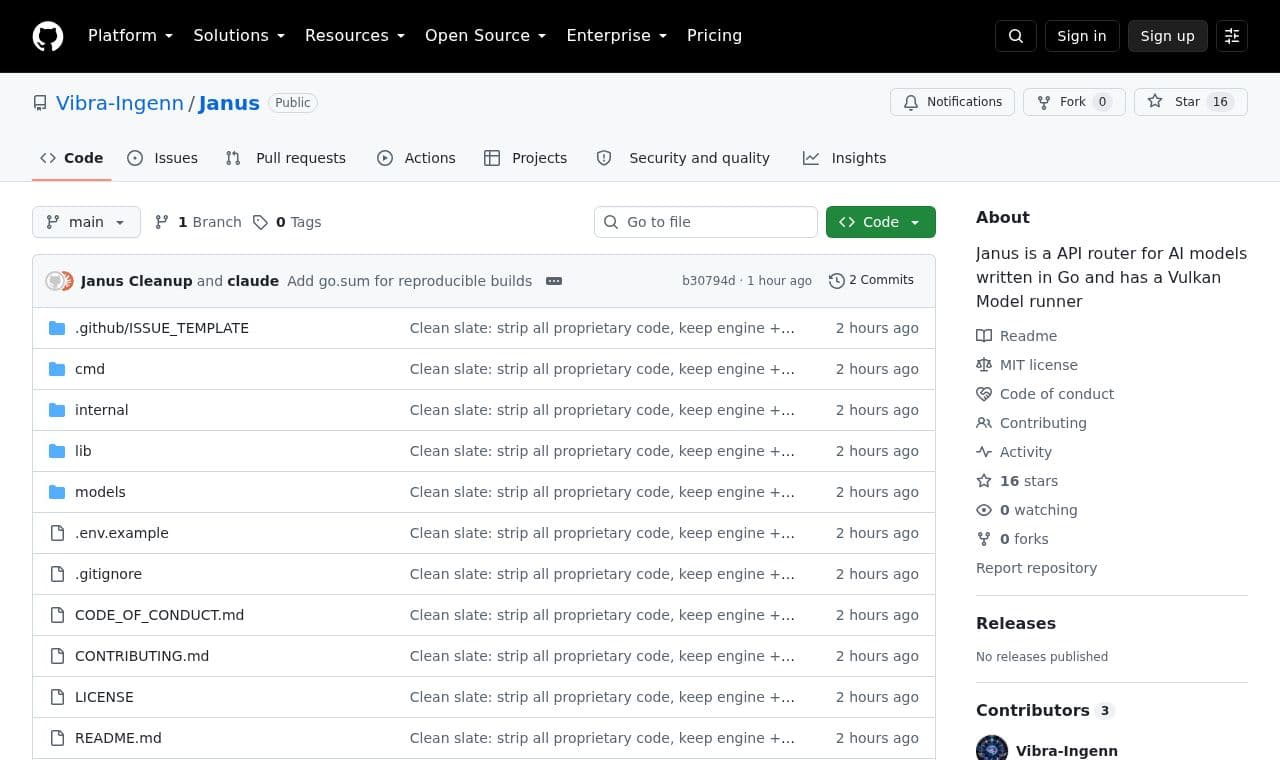
 Janus
JanusFor developers who want to use local models in development tools or scripts, it runs GGUF models on their computer and provides an OpenAI-compatible API.
 SITE CAPTURE
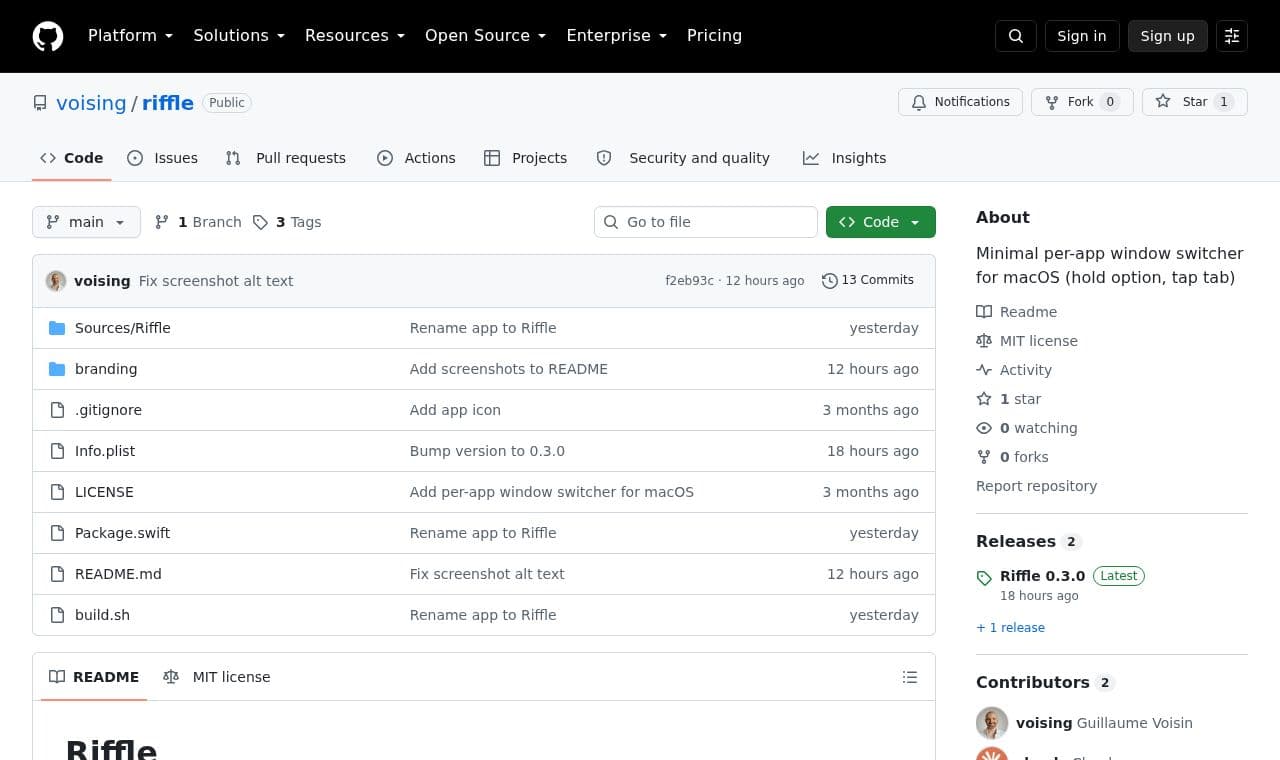
 riffle
Mac users working with multiple windows in one app can cycle through them with Option-Tab or open a search panel to find the window they want.
 SITE CAPTURE
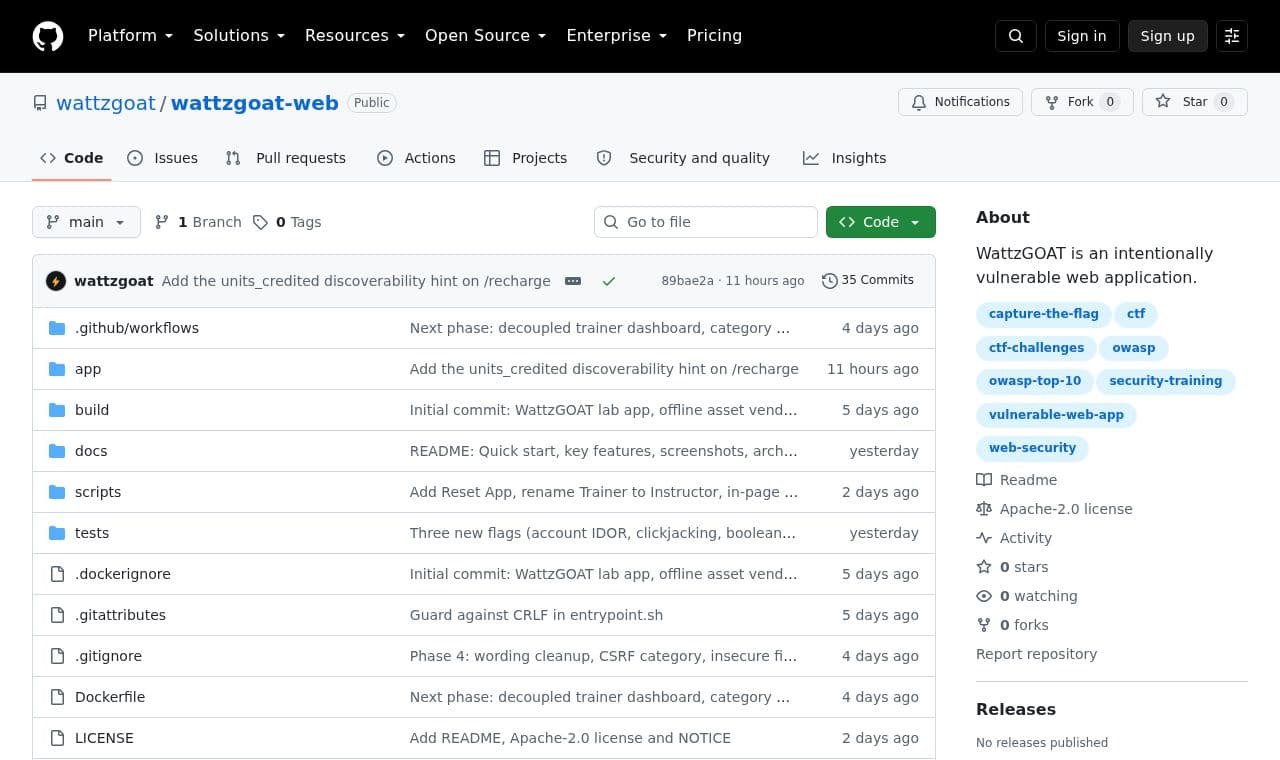
 wattzgoat-web
People practicing web security can find vulnerabilities in a fictional smart meter customer portal, capture flags, and track their discoveries on a progress page.
 SITE CAPTURE
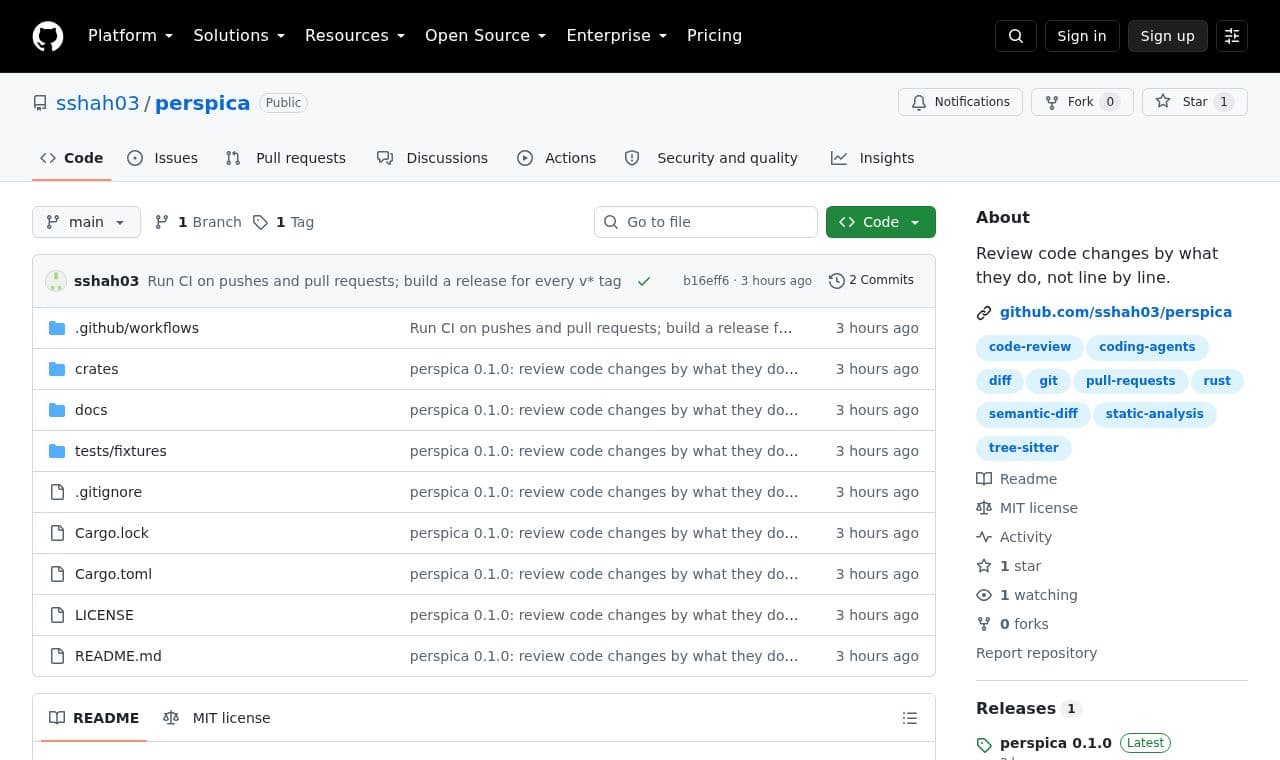
 perspica
Helps code reviewers filter out noise such as formatting changes and understand renames, moved functions, logic changes, and easy-to-miss reference errors.
 SITE CAPTURE
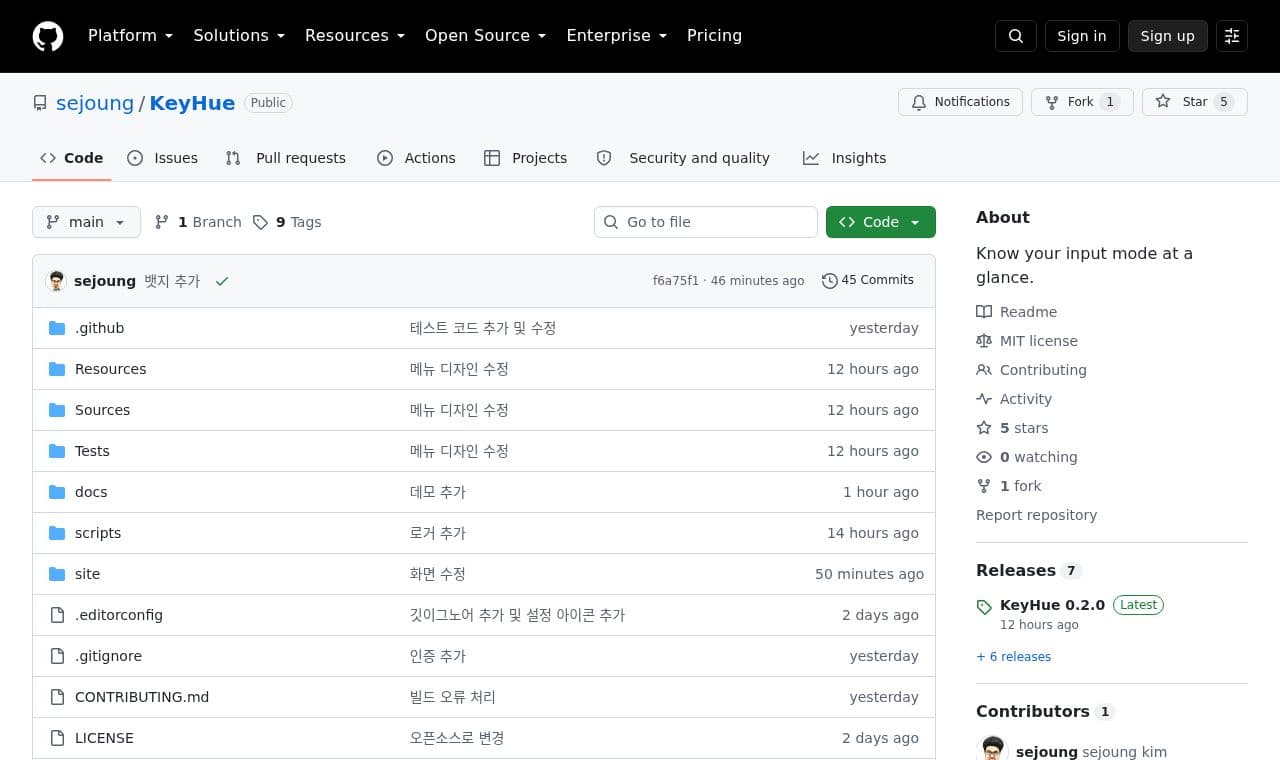
 KeyHue
For macOS users switching between input sources such as Korean and English, it displays the source's color at the screen edge so they can check the current input language before typing.
 SITE CAPTURE
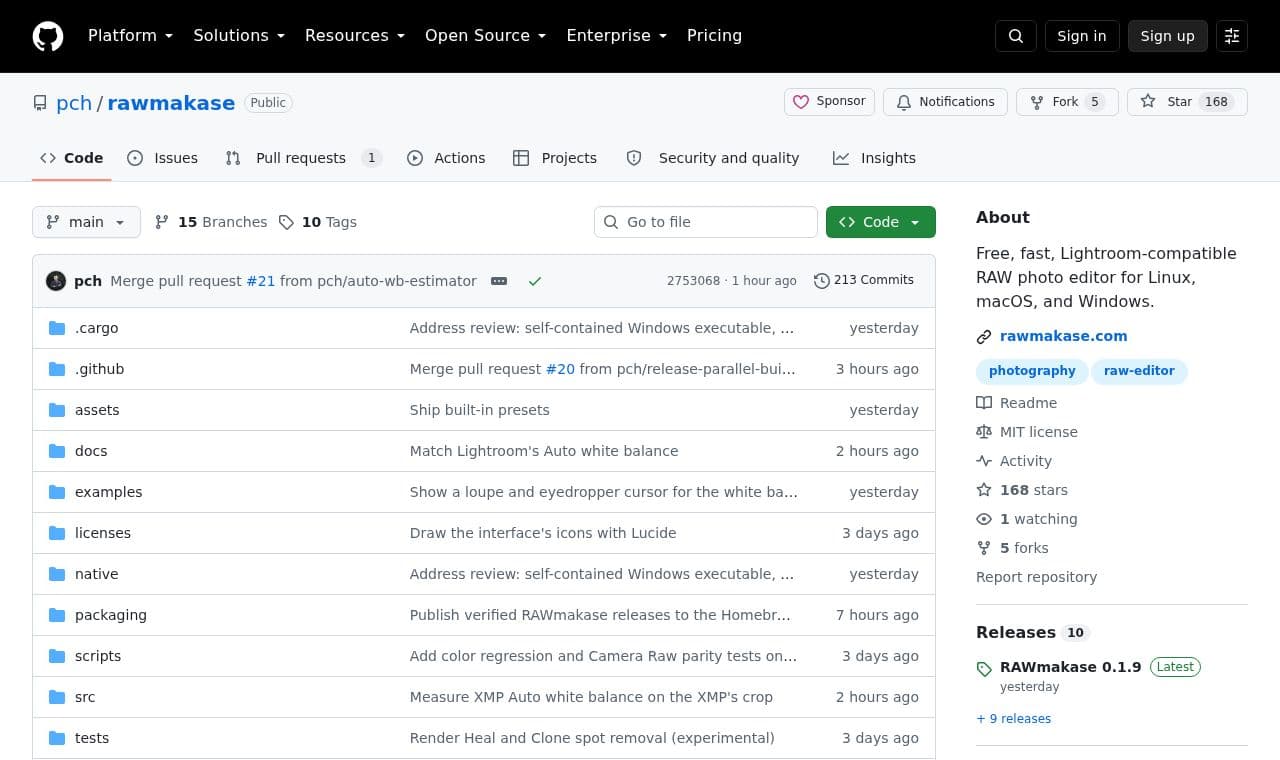
 rawmakase
RAW photo editors can make Lightroom-style adjustments without altering the originals and import ratings and keywords from an existing catalog.
 SITE CAPTURE
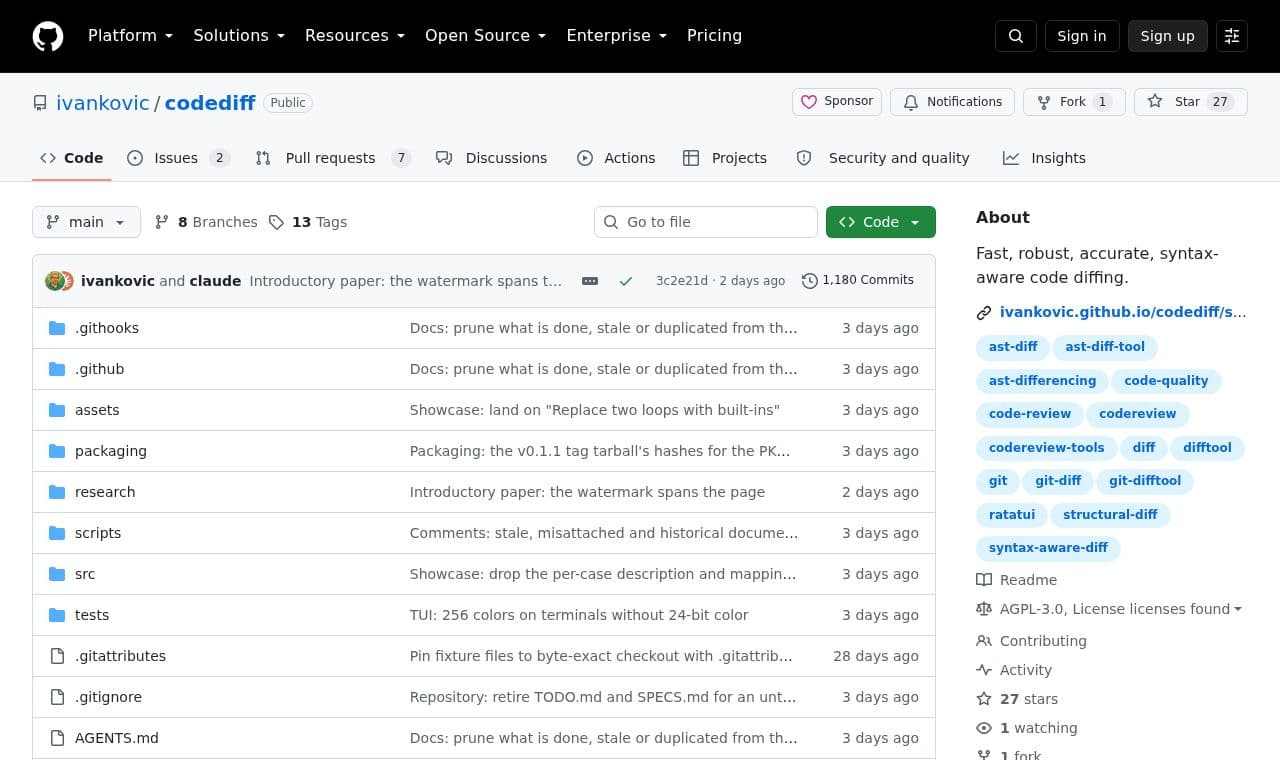
 codediff
Helps developers review code changes through syntax-aware diffs in a terminal interface or as plain text.
 SITE CAPTURE
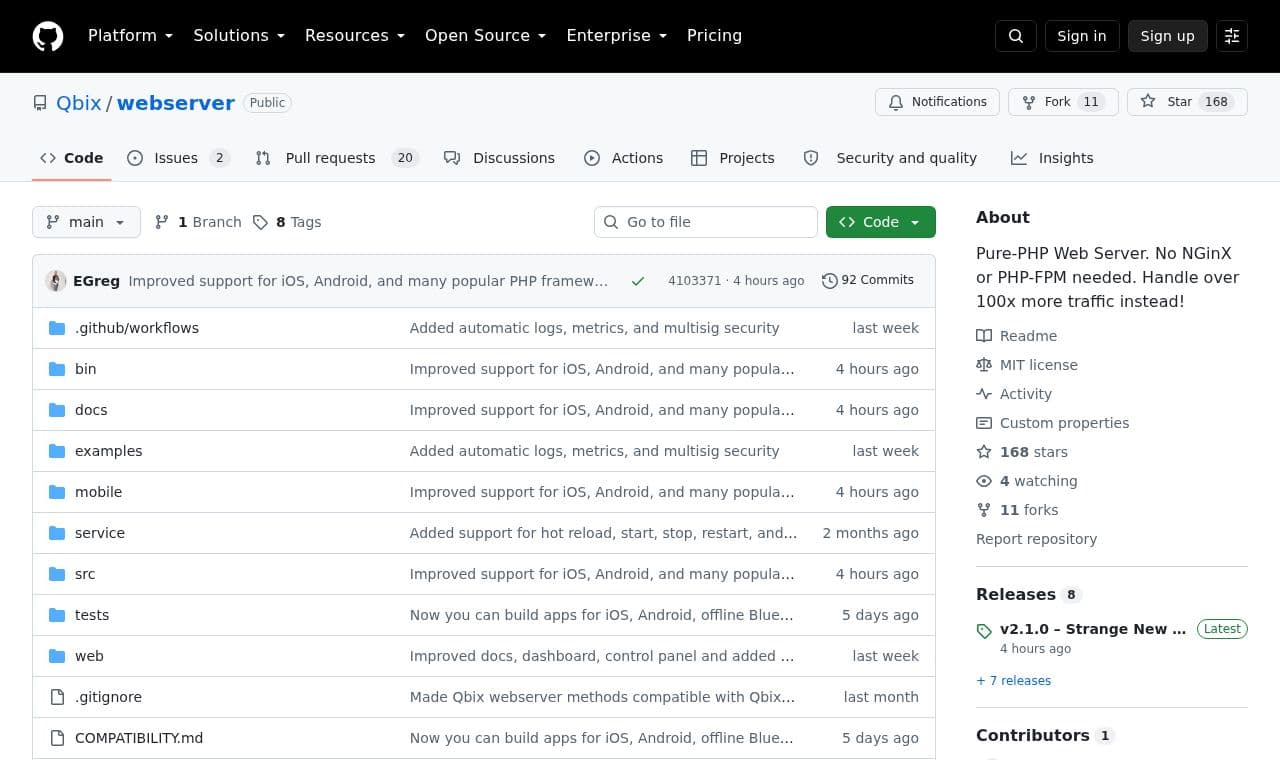
 webserver
Developers running existing PHP apps can handle HTTP, WebSocket, SSE and sessions in one server and deploy their apps as standalone binaries.
 SITE CAPTURE
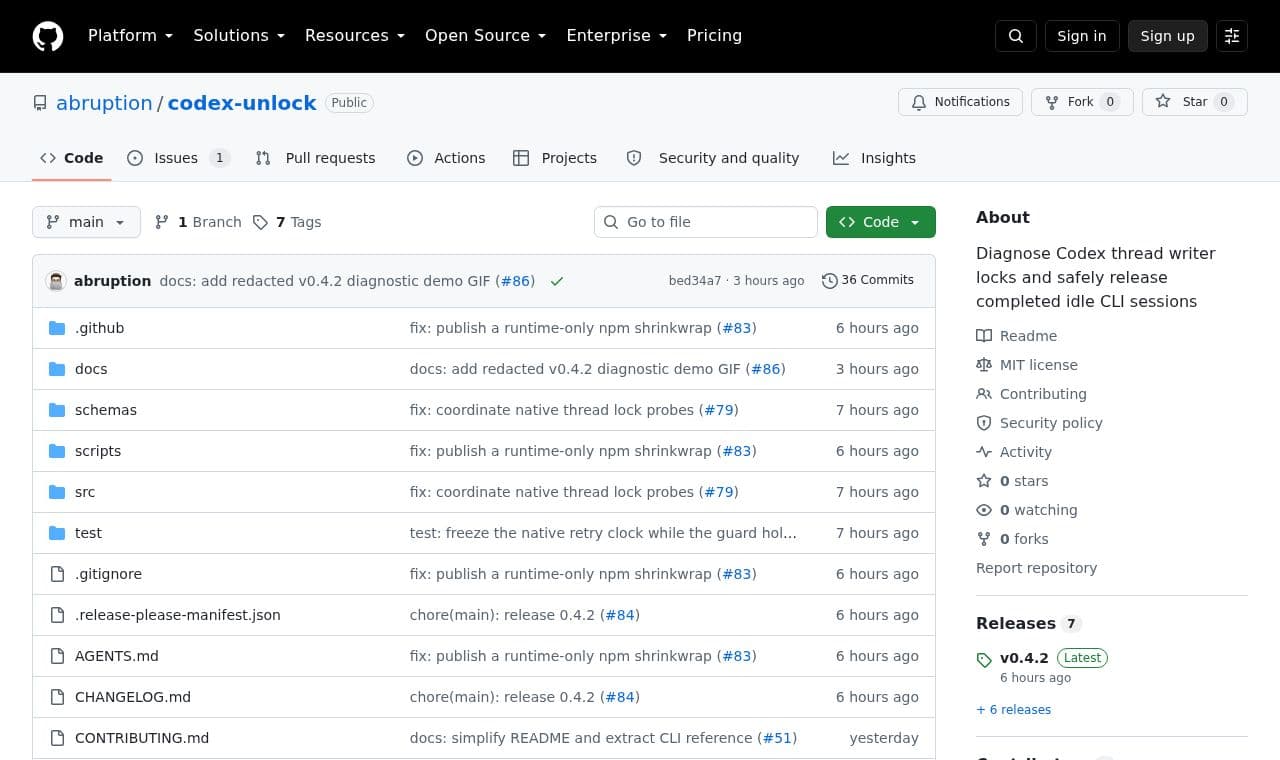
 codex-unlock
Helps users blocked by Codex CLI session locks identify the lock owner. It requests recovery only for completed, idle sessions after safety checks.
 SITE CAPTURE
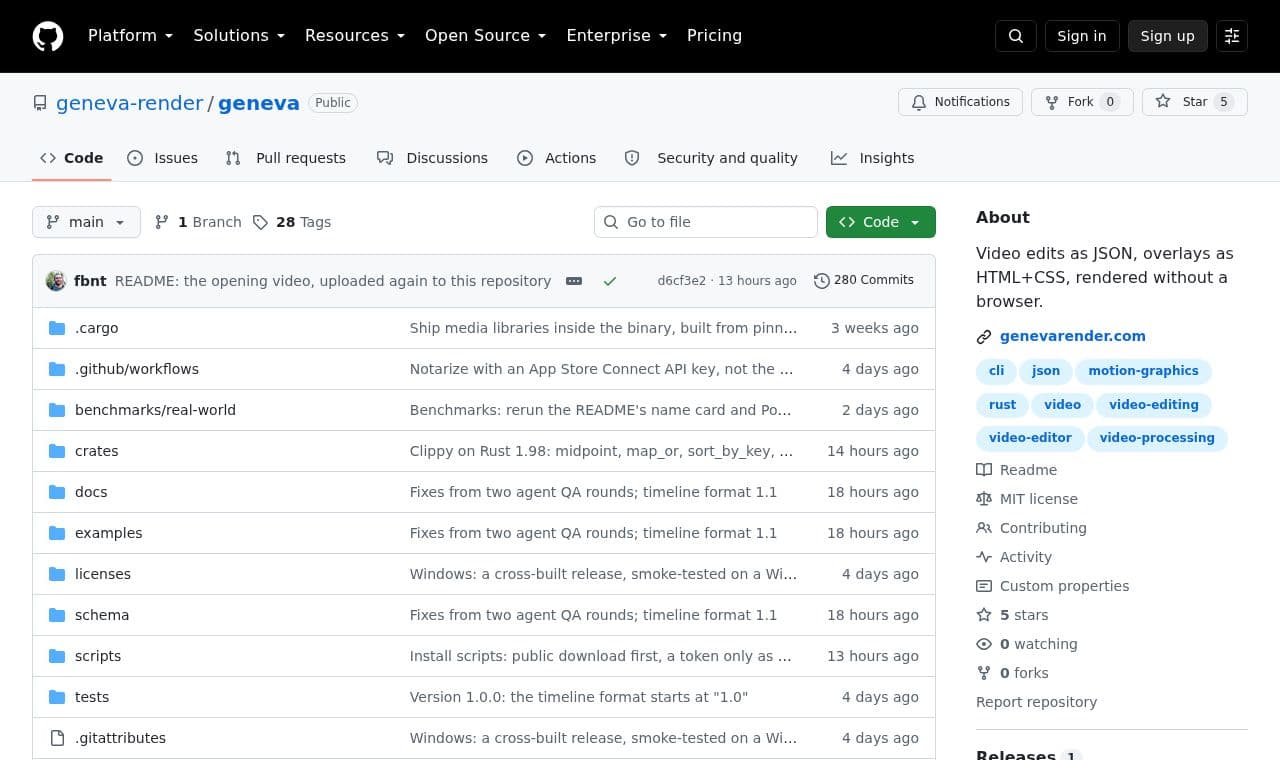
 geneva
Developers and creators who make videos with scripts can define edits in JSON, create titles and graphics with HTML and CSS, and render videos without a browser.
 SITE CAPTURE
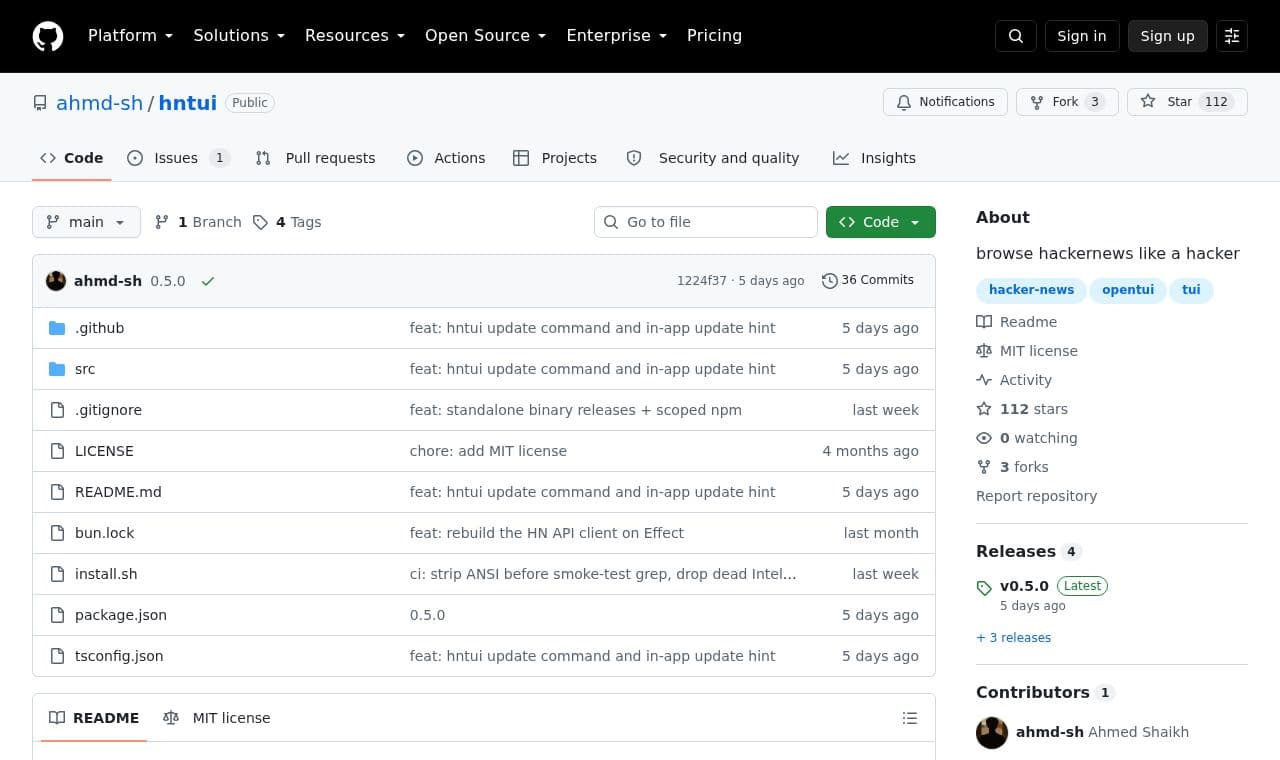
 hntui
hntuiReaders who primarily use the terminal can navigate Hacker News stories and comments with a keyboard or mouse. They can save stories of interest and revisit them the next time they launch the app.
This directory lets you find AI agents, MCP servers, and agent skills in one place. You can browse categories and popular tools to explore what is available.
Explore service →