 01
01Clear problem
samesame
While shopping, you can find and compare similar products from other stores. The results appear in a sidebar on the original page, giving you a clear way to compare them.
Explore service →MADE TO GROW · New indie services from Korea and beyond
Discover new Korean services, AI tools and open-source developer tools you can try today.
EDITOR'S FIELD NOTES
This week, we look at services with different uses, from comparing products while shopping and editing photos to simulating robots and exploring developer tools.
01While shopping, you can find and compare similar products from other stores. The results appear in a sidebar on the original page, giving you a clear way to compare them.
Explore service → 02
02You can adjust the background blur of a photo in your browser and compare it before and after editing. You can then download the result as a still image.
Explore service → 03
03You can test robotic arm movements on the web and recalculate trajectories based on collision avoidance settings. It also shows how to import and run a demo project.
Explore service →
SIGNAL FINDER
Browse by category.
Filter by the tags that interest you.
 SITE CAPTURE
 SITE CAPTURESITE CAPTURE
OPEN TO STARTS
Your service can still be a work in progress. If someone else can open it, you can share it here.
Share the need, curiosity or learning that led you to build it.
Sharing starts a conversation. Feedback and inspiration can help shape your next version.
Open to first-time makers, people building with AI, individuals and teams. We check the link and basic information.
WHY RAIDERS
Someone's first version can inspire another person to start. Share, learn and build your next version.
MADE SOMETHING?
When the background of a portrait or product photo is distracting, process a photo in your browser to make the subject stand out. Adjust the blur strength, compare before and after, and download the result.
 SITE CAPTURE
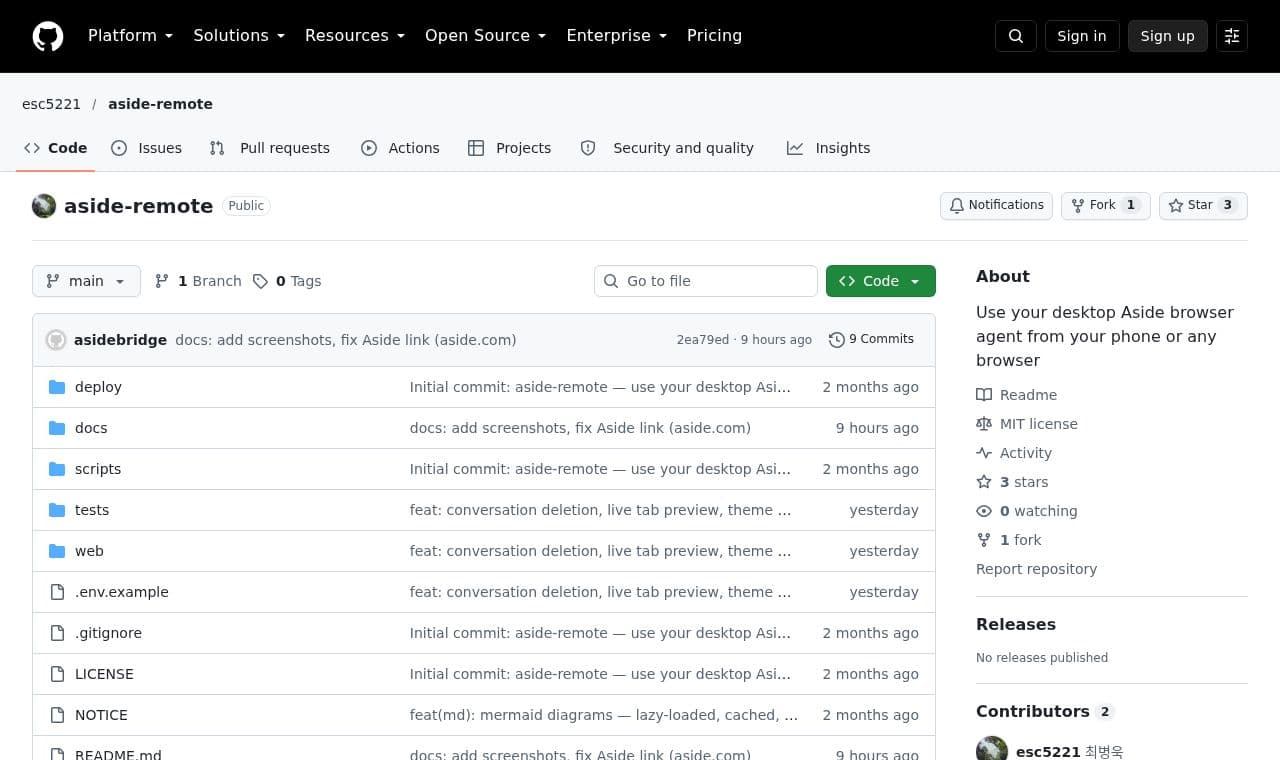
 aside-remote
For people who want to use desktop Aside while away, a local bridge connects the agent to a chat web app that can be opened on a phone or another browser.
 SITE CAPTURE
People interested in Vedic astrology can enter their birth date, time, and place to create a sidereal birth chart and explore planetary positions, houses, nakshatras, divisional charts, and AI interpretations.
 SITE CAPTURE
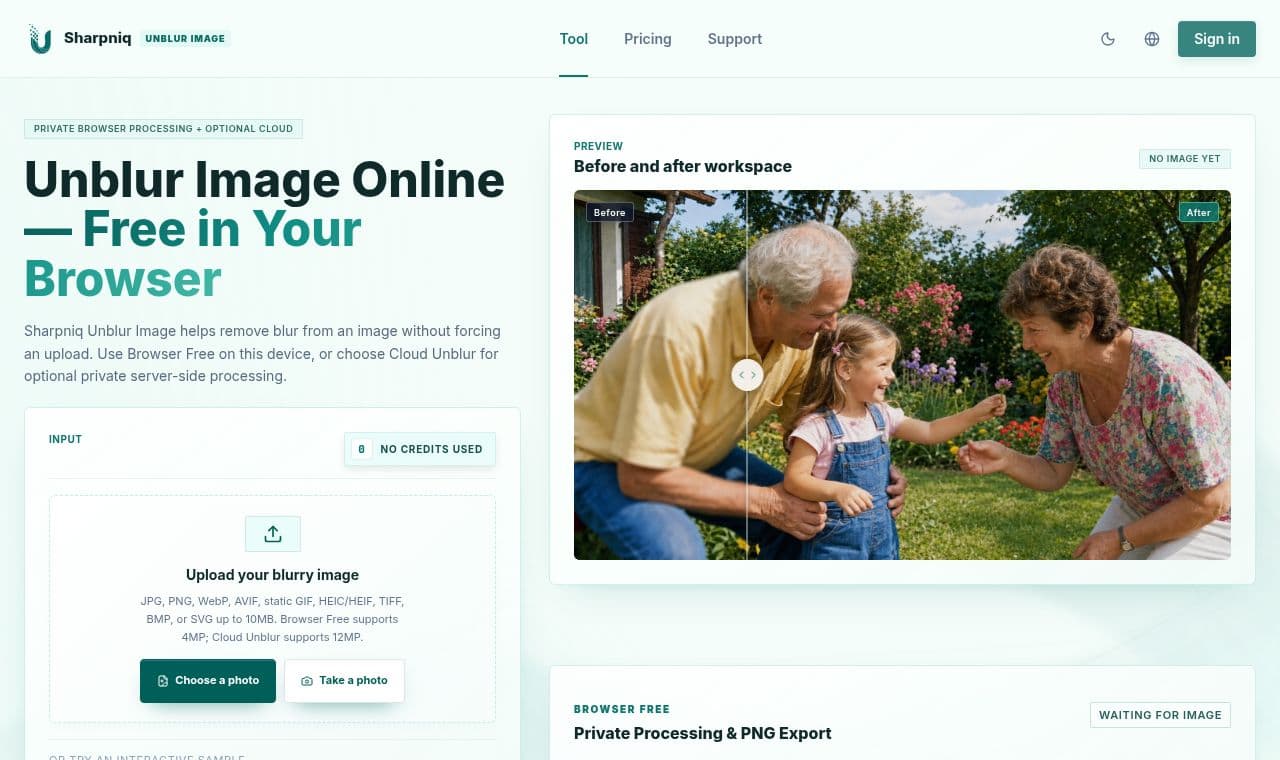
 Sharpniq
People looking to improve blurry photos can process images in their browser or use optional cloud processing, compare the original with the result, and download it as a PNG.
 SITE CAPTURE
 hairforge
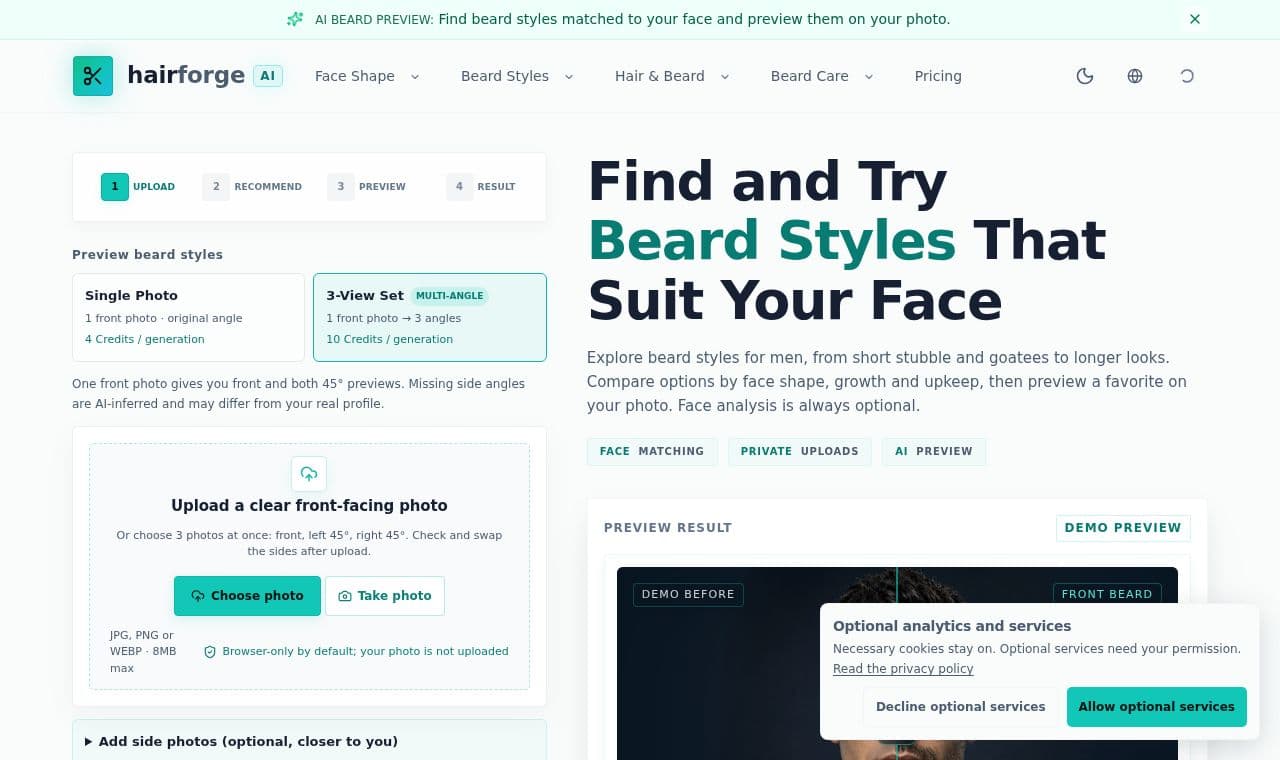
People considering a beard style can compare options based on face shape, beard density, and upkeep, then use a photo to preview their chosen look.
 SITE CAPTURE
 AfterLaunch
 SITE CAPTURE
 SITE CAPTURE
 gtlds.fyi
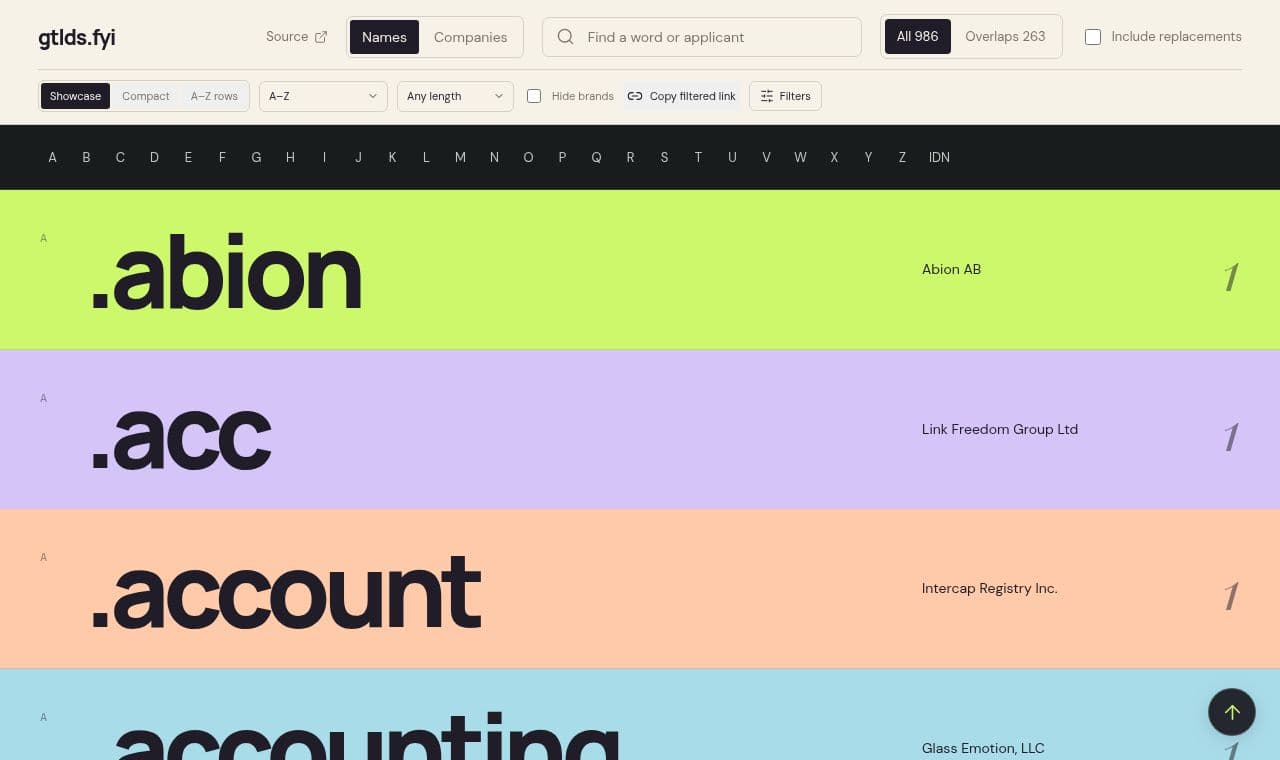
For people tracking new top-level domain applications, it lists gTLD names and applicant companies announced on ICANN's 2026 reveal day.
 SITE CAPTURE
 SITE CAPTURE
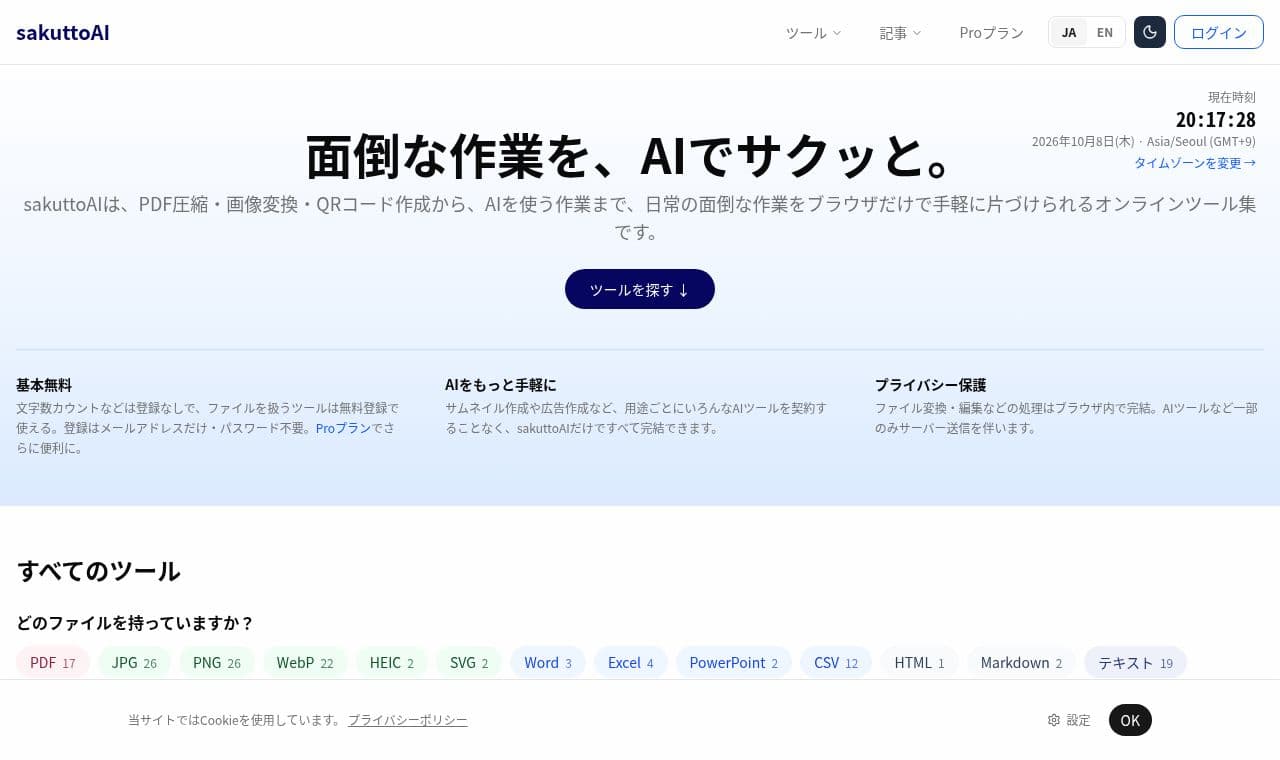
People who frequently work with documents and images can compress, merge, and split PDFs and convert images in one place. Some tools can be used without registration; file tools require free registration.
 SITE CAPTURE
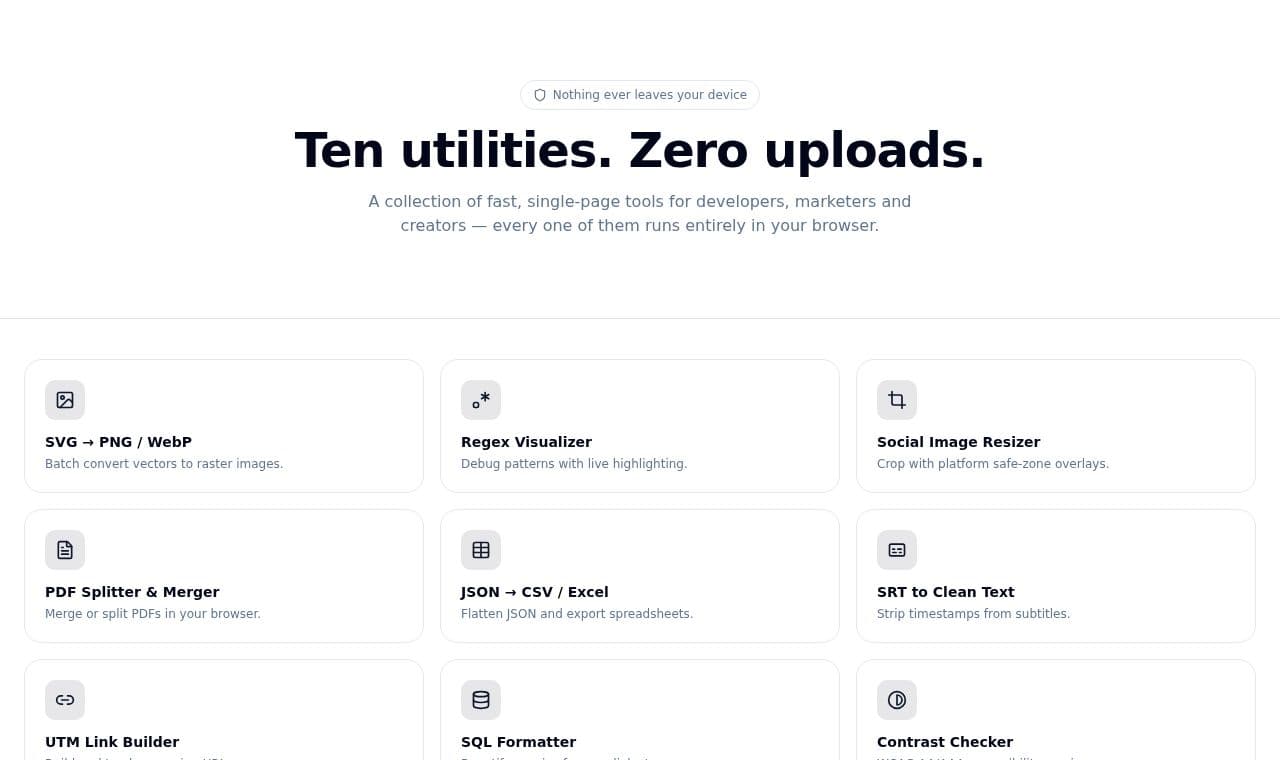
Developers, creators, and marketers can handle SVG conversion, PDF merging and splitting, regular expression debugging, and data conversion in the browser.
 SITE CAPTURE
 SITE CAPTURE
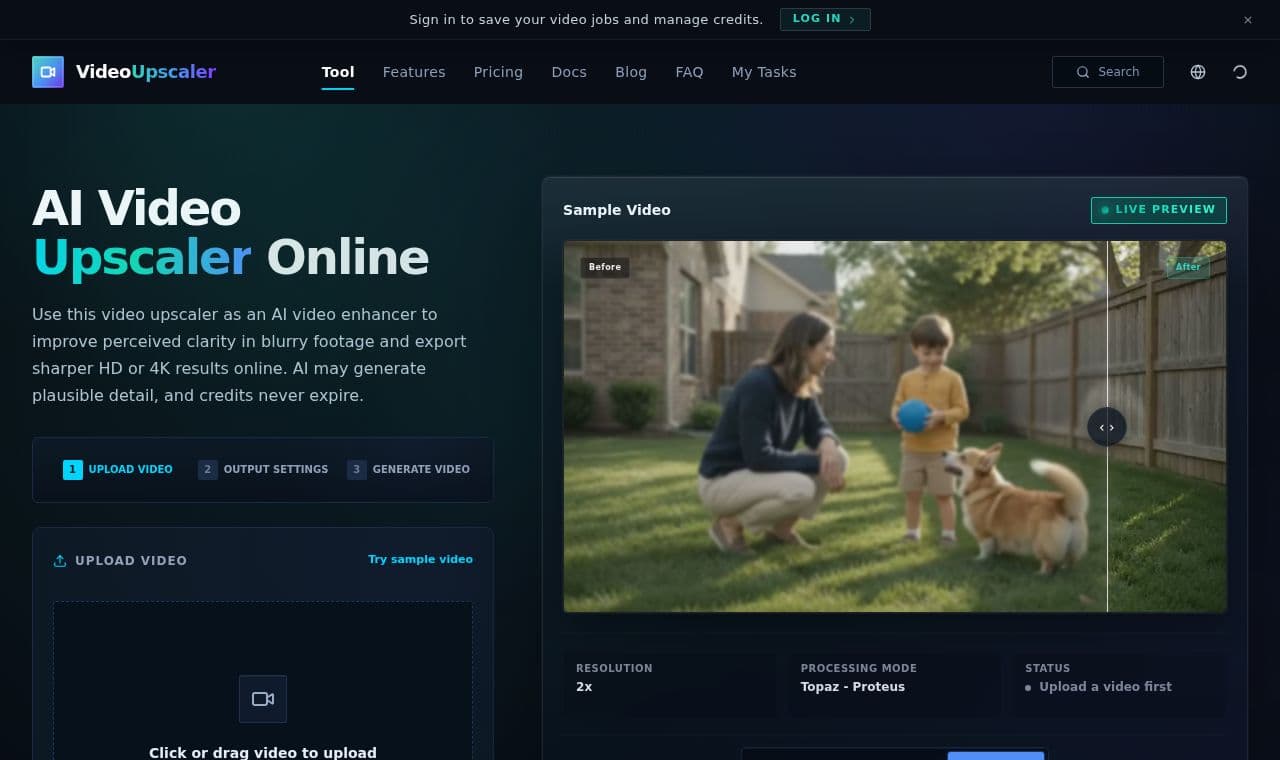
Video Upscaler is an online tool for creators working with old footage or clips degraded by compression. It reduces noise and blur and exports the results in HD or 4K.
 SITE CAPTURE
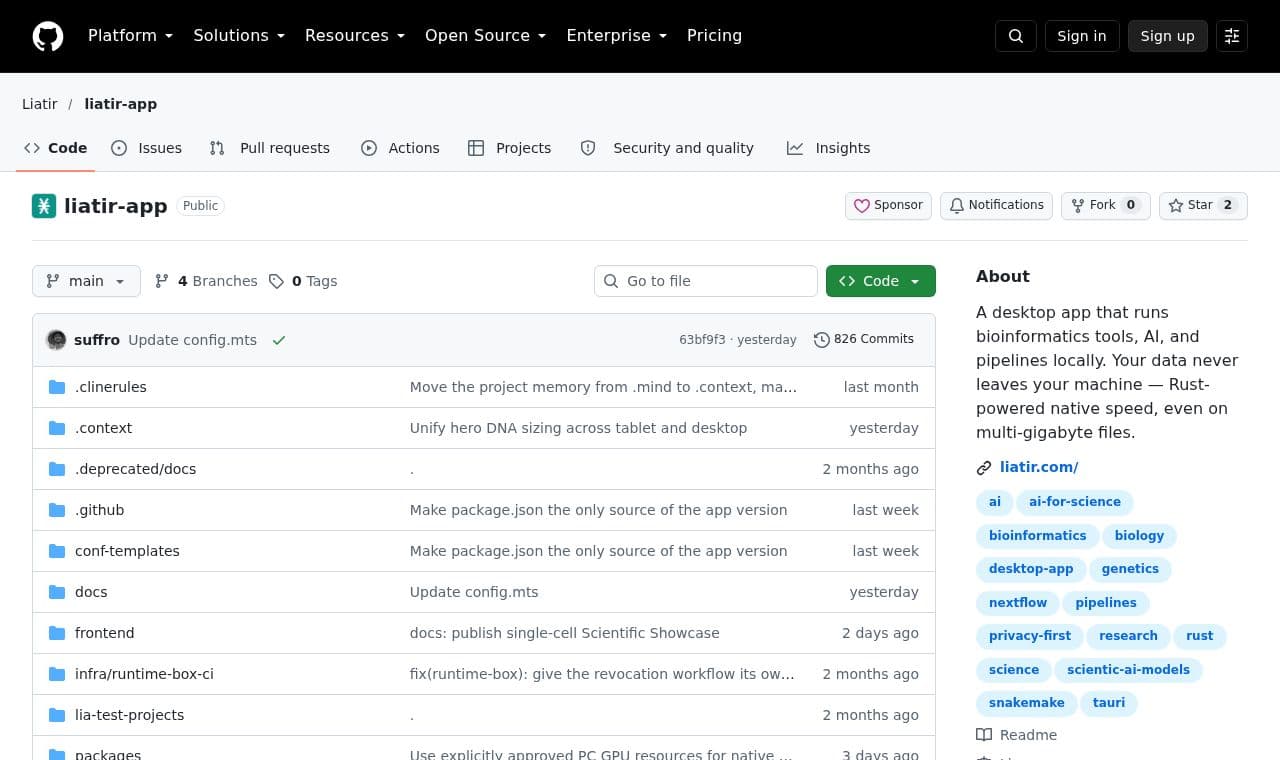
 liatir-app
 SITE CAPTURE
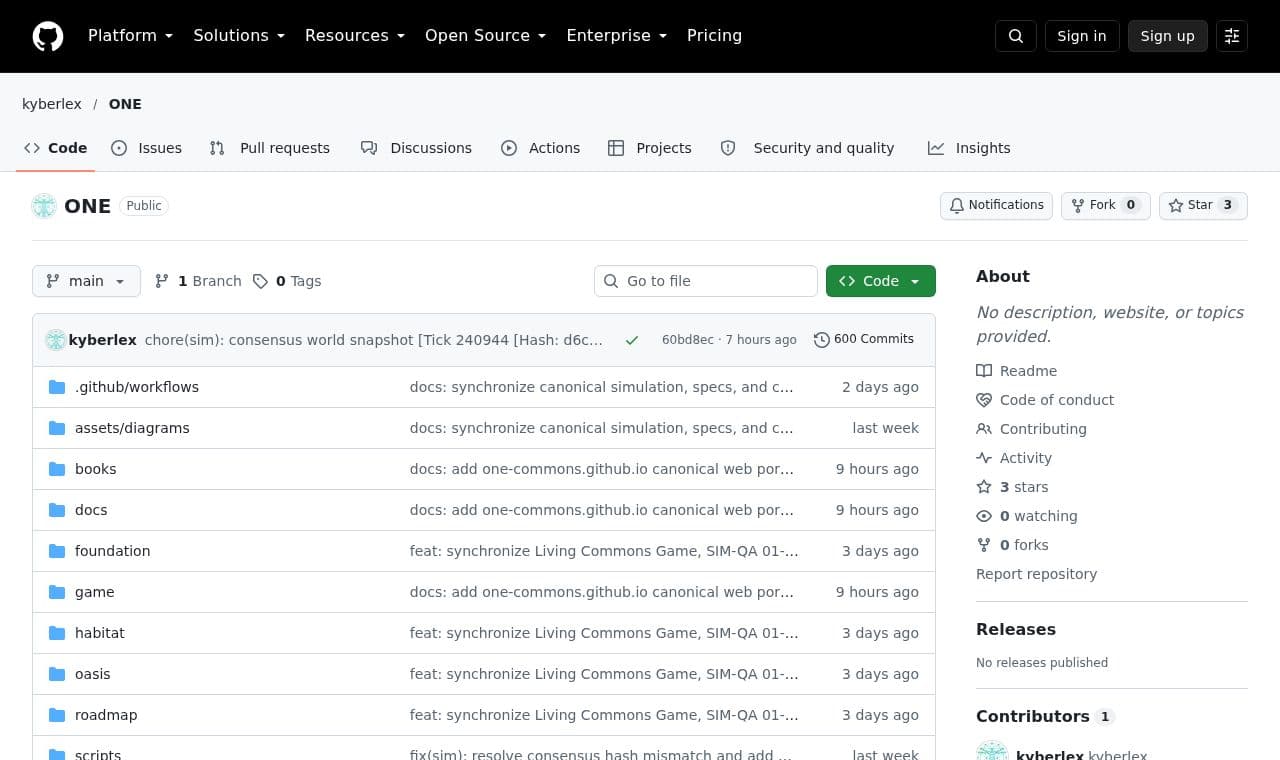
 ONE
ONEPeople studying institutions and resource allocation in a post-work, post-money society can read its charter, transition blueprint, and habitat design materials, then use two simulators to explore how the ideas might work.
 SITE CAPTURE
 SITE CAPTURE
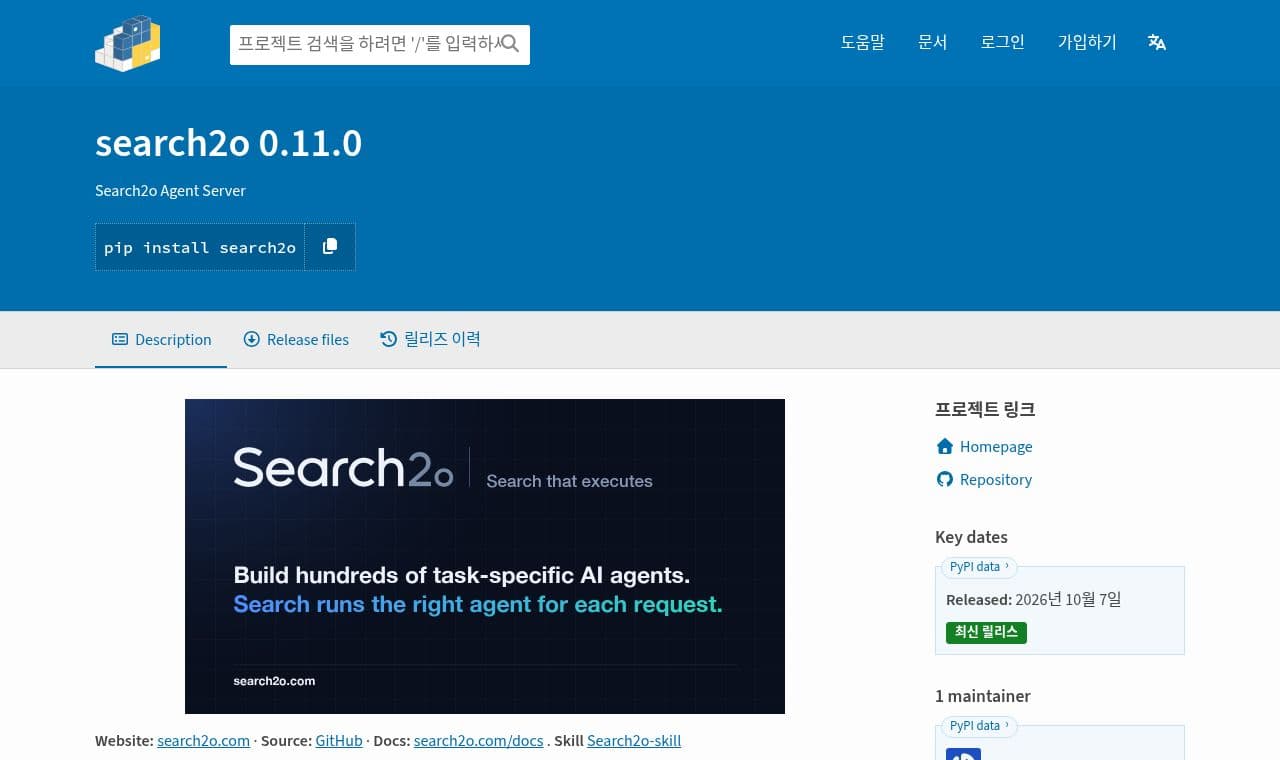
After an organization's developers create and publish task-specific AI agents, users can enter a question to find and run a suitable agent and receive an answer.
 SITE CAPTURE
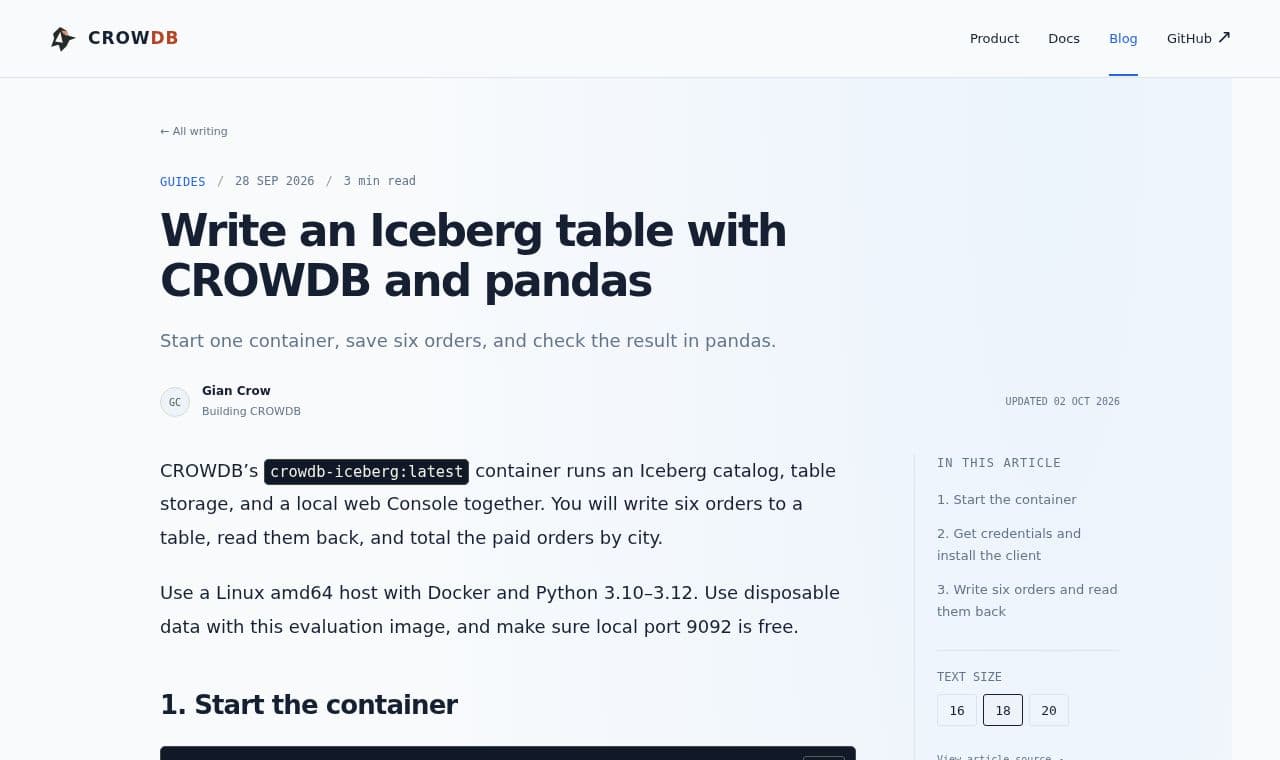
 CROWDB Blog
Developers trying Iceberg can run a catalog and table storage in one CROWDB container, then inspect data written with PyIceberg using pandas.
This directory lets you find AI agents, MCP servers, and agent skills in one place. You can browse categories and popular tools to explore what is available.
Explore service → rembrandt
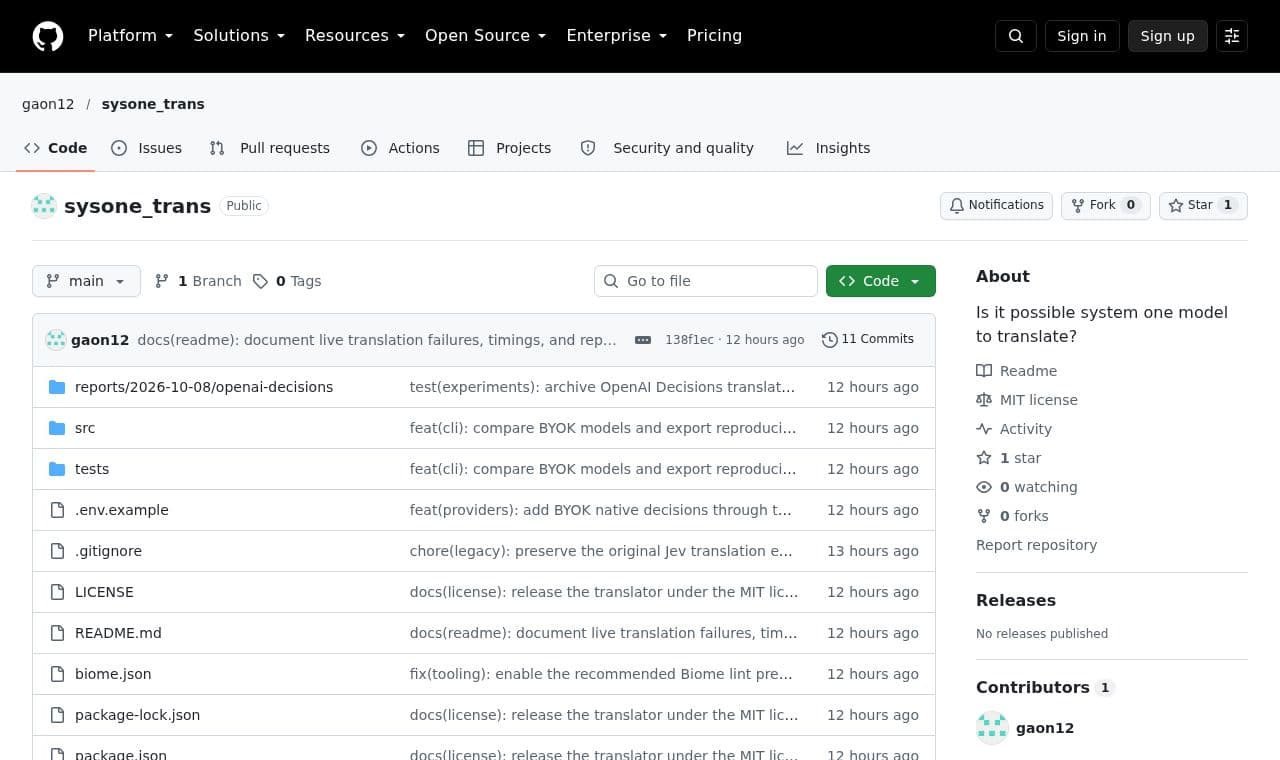
 sysone_trans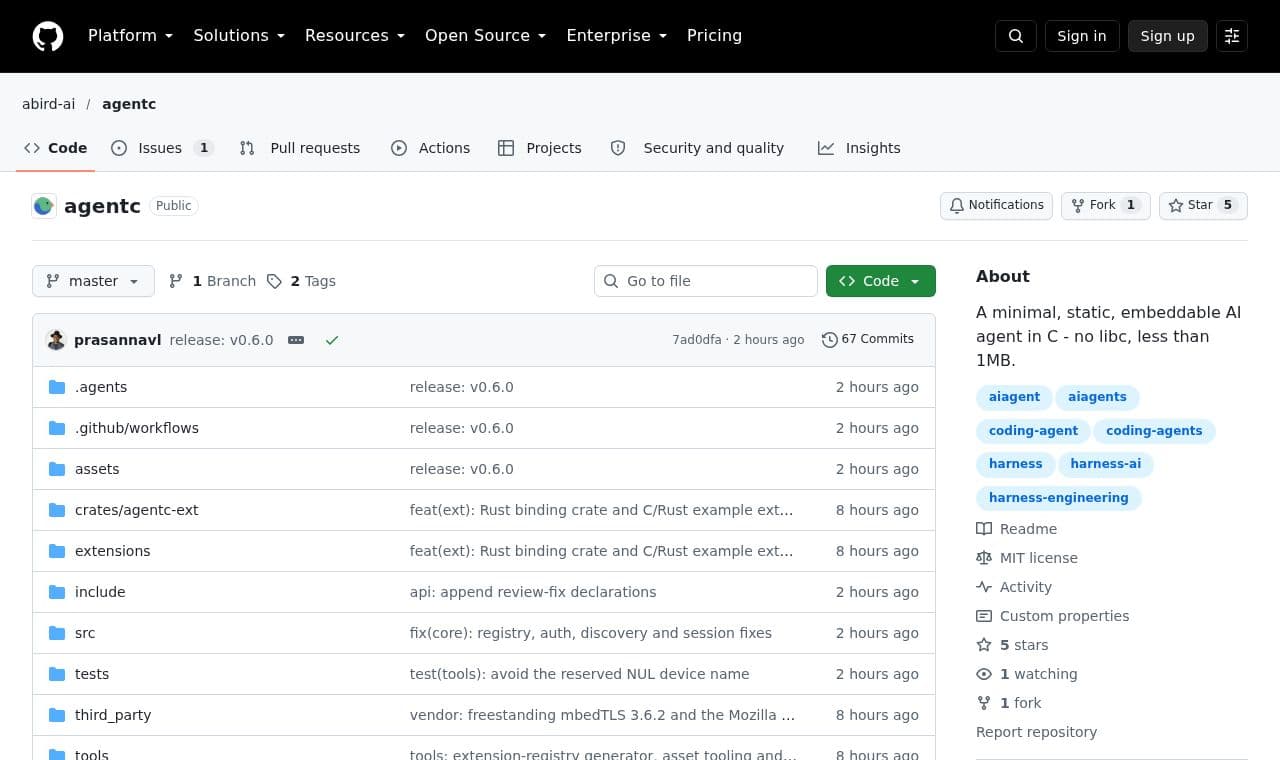
 agentc
 albummoa